


Run workflows on behalf of other users - with approval
We’re thrilled to announce that you can now ask Serval to run workflows on behalf of other users—with their approval.
Why does this matter? It’s common for colleagues outside the IT department to help onboard new hires or resolve everyday issues. With our latest update, those requests become automated in a snap. Here are a few ways teams are already putting this to use:
Granting new team members access to apps and resources
Resetting passwords when someone gets locked out
Adding new hires to the right Google groups and Slack channels
Because this feature is so powerful, we’ve built in robust security controls and mandatory approvals right from day one. We’re committed to keeping your workflow streamlined while being secure by default.
We can’t wait to see how you use this feature to speed up onboarding, eliminate bottlenecks, and keep your team moving.

Announcing general availability of Catalyst
Today, we're excited to announce that Catalyst is generally available and will be enabled by default for all organizations.

Serval Launches Program to Transform Employees Into Future Founders
Serval Start Challenges Traditional Career Paths and Retention Strategies for Startups

Our approach to hiring: fewer, better, every time
Hiring is the single highest-leverage thing we do at Serval. Every person we bring on either raises the bar or lowers it, so we treat hiring the way we treat product: with obsession.

Raising the automation ceiling
What we learned building proactive agents

Introducing Catalyst: Automating a task forever should be easier than doing it manually once
Automation tools have been around for decades. Serval changes the math on when it’s worth reaching for them - by making tasks easier to automate than do manually once.

Carl Eschenbach's Blueprint for Building Lasting Companies in the AI Era
From scaling VMware to $7B and serving as the CEO of Workday to investing in the future as a partner at Sequoia, Carl Eschenbach shares the principles he's carried across four decades of building and scaling enterprise technology's most enduring companies.

Hire High-Agency People
I have 11 direct reports, while our CTO Alex has somewhere around 30, and I expect those numbers to increase as our team grows.

Do the hard things, always
How Serval is building a universal automation platform to eliminate manual operational work across companies.

Serval’s Three Operating Principles
We don't have a culture deck. We have three operating principles.

Introducing Serval Start: A New Path for Aspiring Founders
A two-year program for builders who want to become founders — before they have a company to build.
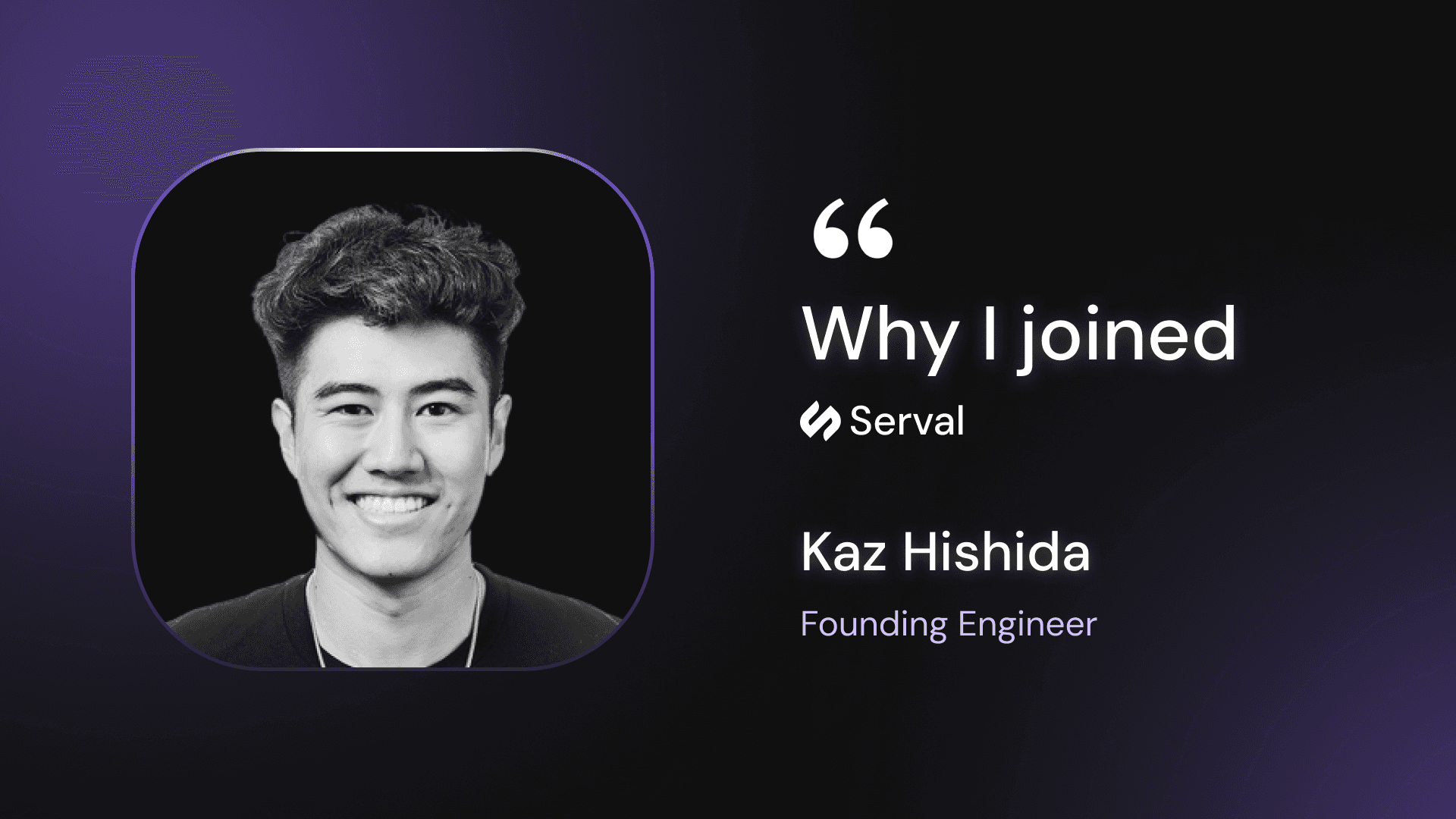
Following the Founders: Why I Joined Serval
Founding Engineer, Kaz Hishida, tells the story of why he joined Serval.
Partnering with Serval: Empowering IT for AI Enterprise Automation
Jake, Alex and their team are giving IT teams the power to bring AI automation from their own department to every part of the organization.
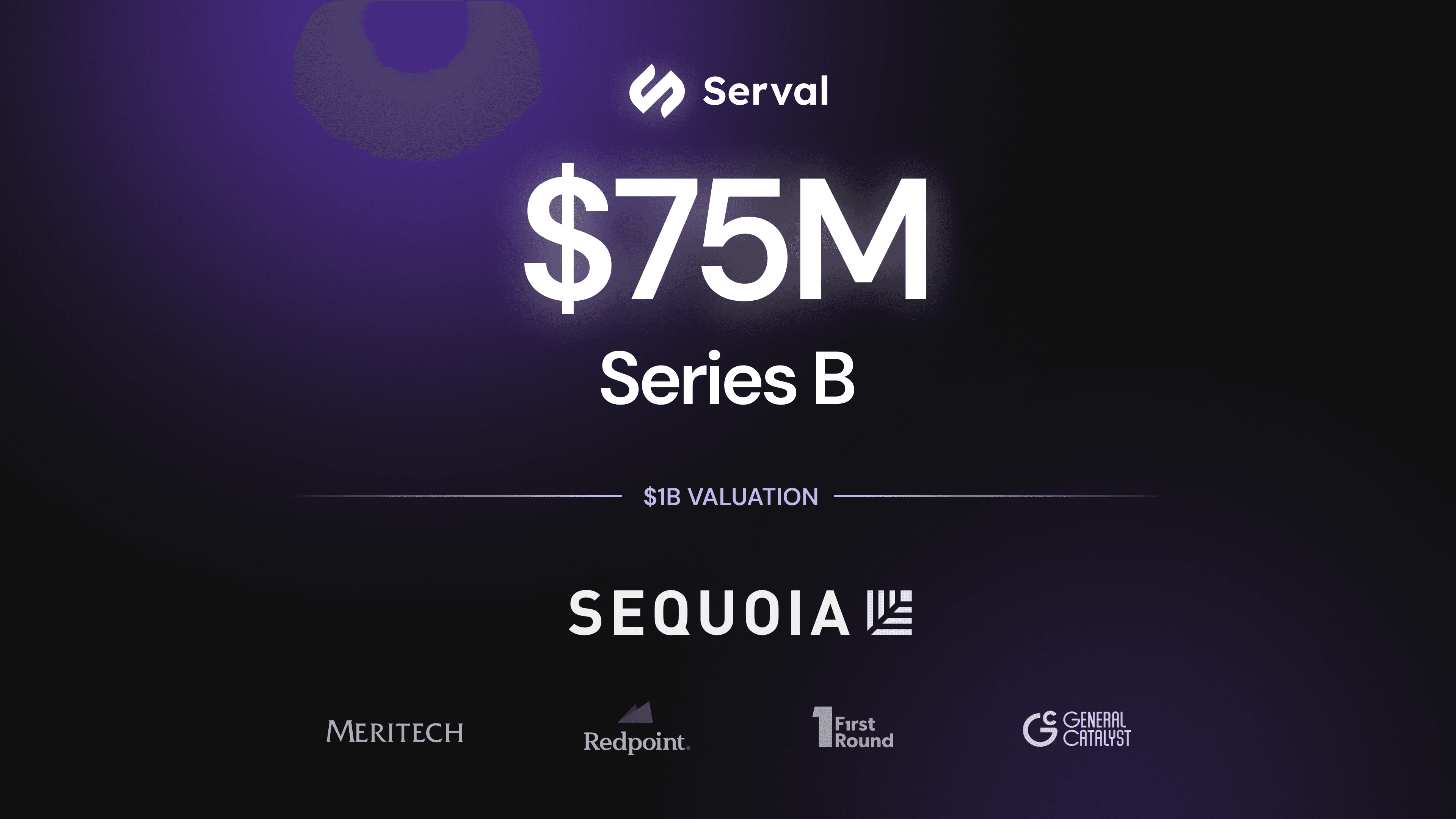
Serval’s Next Chapter: Raising $75M to Build the New Era of Enterprise Automation and Service Management
We helped customers automate more than 50% of their tickets. Sequoia took notice.
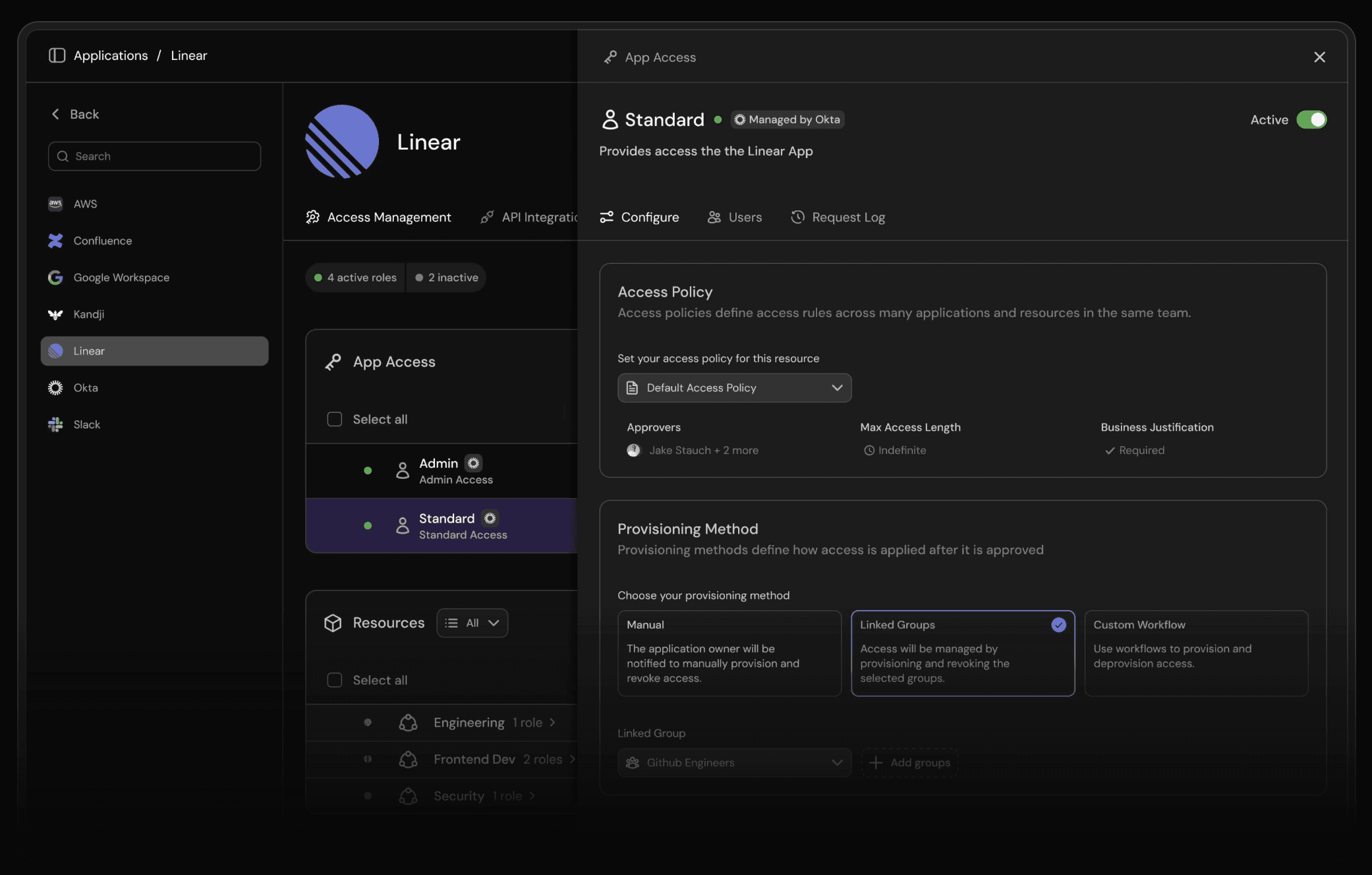
Introducing Serval's AI-native access management
Serval's AI-native access management centralizes operations and improves security for IT and security teams

Gartner IT Symposium Recap: Why it matters that Serval is AI-native
Serval's AI native infrastructure provides huge benefits over legacy ITSM platforms.

General Catalyst Article: Doubling Down on Serval: Building Intelligent IT Agents for the AI Era
Investor, General Catalyst posts about Serval's Series A launch
TechCrunch Article: Serval raises $47M to bring AI agents to IT service management
TechCrunch announces Serval's Series A
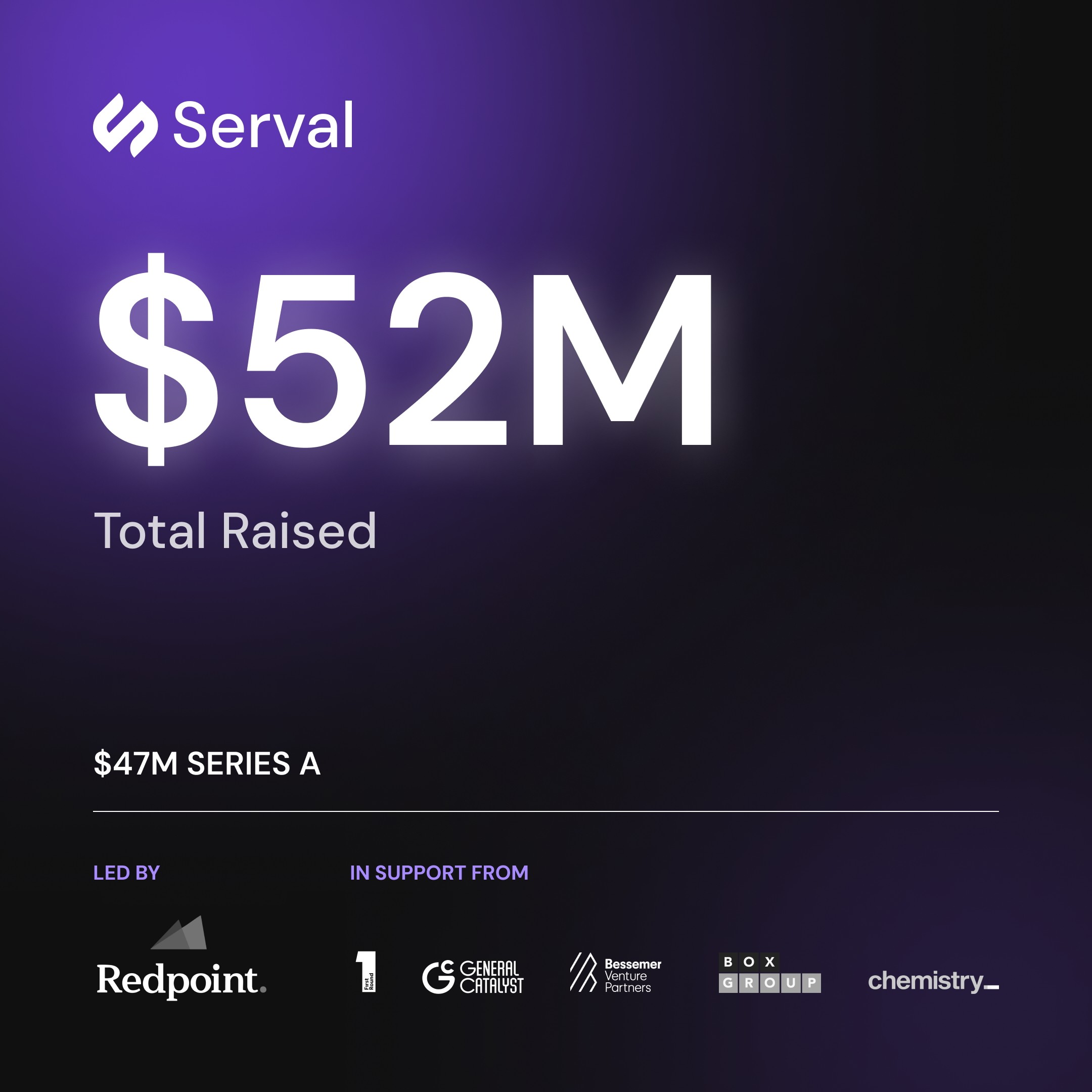
Announcing $52M Total Raised to Deploy AI Agents for IT
Serval adds $47M in Series A funding, led by Redpoint Ventures with participation from First Round, General Catalyst, Box Group, Bessemer Venture Partners, Chemistry, and others.
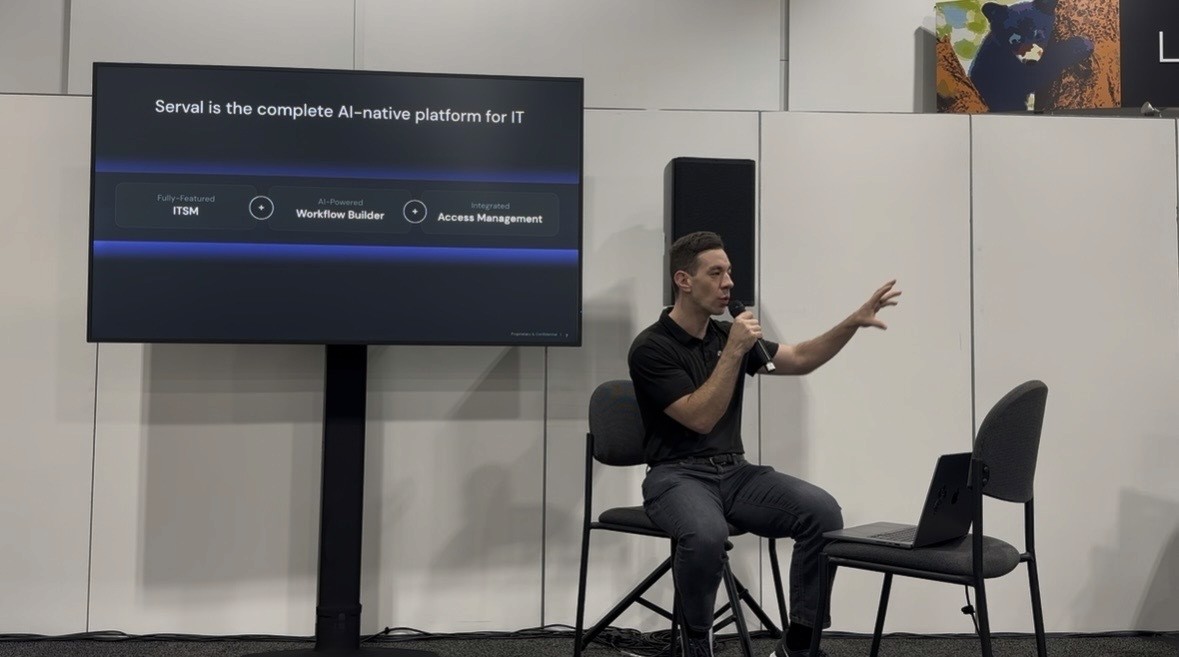
Automate 80% of IT tickets in 24 hrs
At JNUC 2025, Serval CEO Jake Stauch showed how IT teams use Serval’s AI agents to automate 80% of help desk tickets in 24 hours. From access requests to onboarding to Jamf-specific workflows. The session highlighted how Serval unifies ITSM, workflow automation, and access management into one secure, AI-native platform used by companies like Perplexity and Verkada.

Oktane Takeaways: Serval + Okta for AI-Native Automation
How Serval works seamlessly for Okta customers

AI Agents for IT: Vibe Coding Verkada Automations with Serval
You don’t need to code to build the Verkada workflows of your dreams. Build automations from natural language prompts, unlocking the potential of Verkada’s APIs.
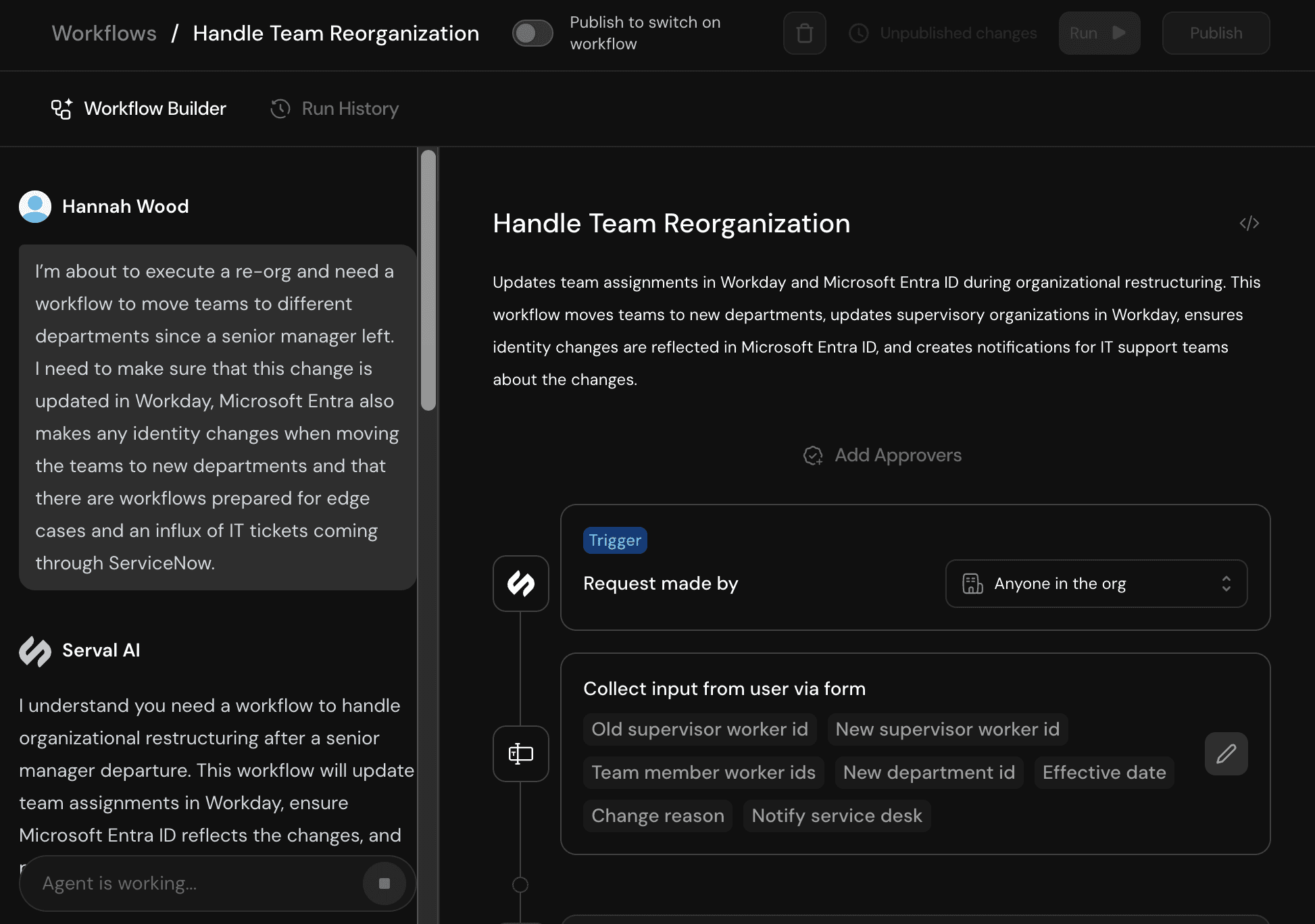
New Integrations for Enterprise IT: Microsoft, ServiceNow & Workday
Serval integrating with Microsoft, ServiceNow & Workday to support enterprise IT
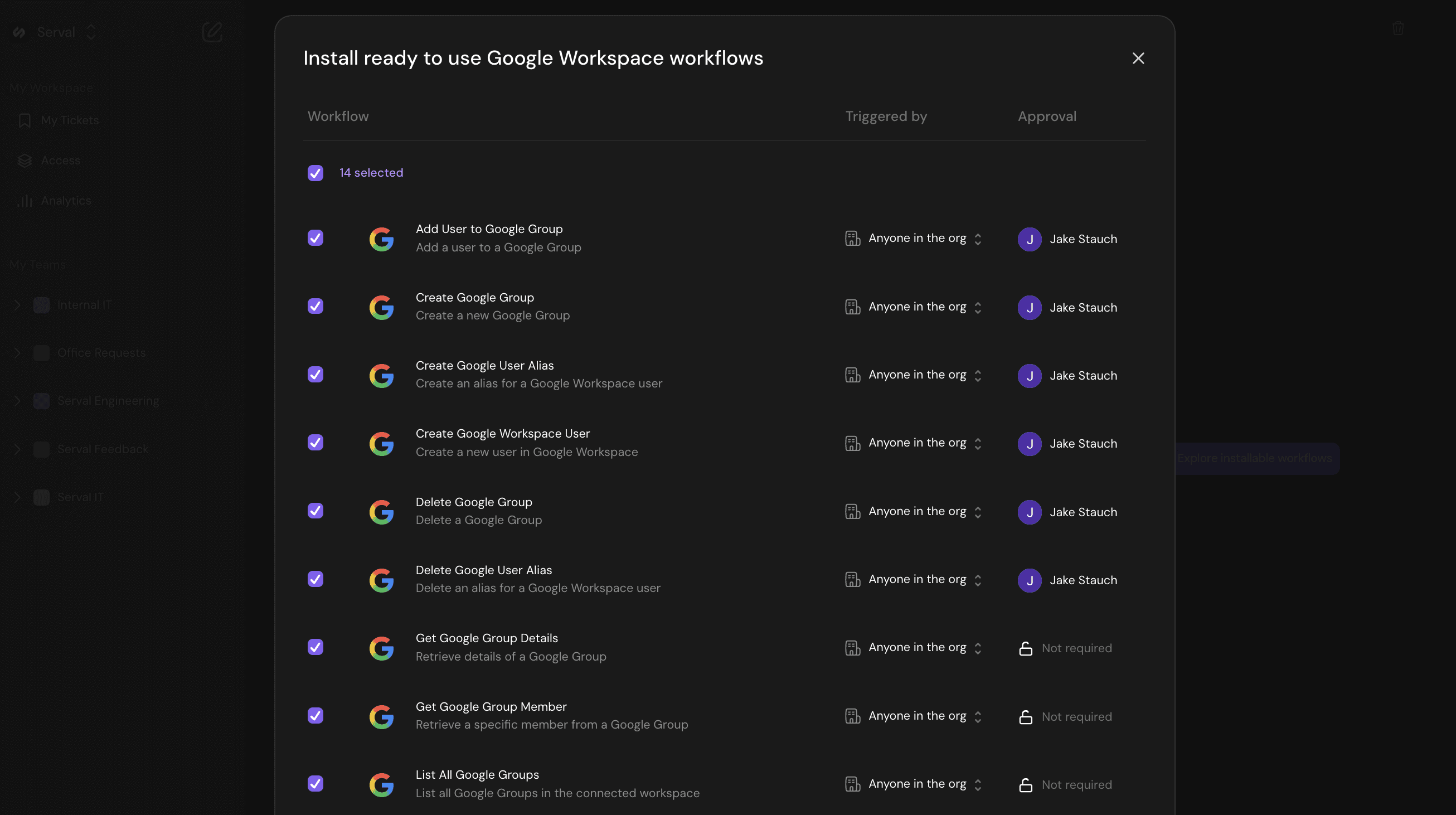
Introducing Prebuilt Workflows
Installable, ready-made workflows for easier onboarding

Introducing Slack Shortcuts and Manual Ticket Creation
New tools for creating tickets in Serval
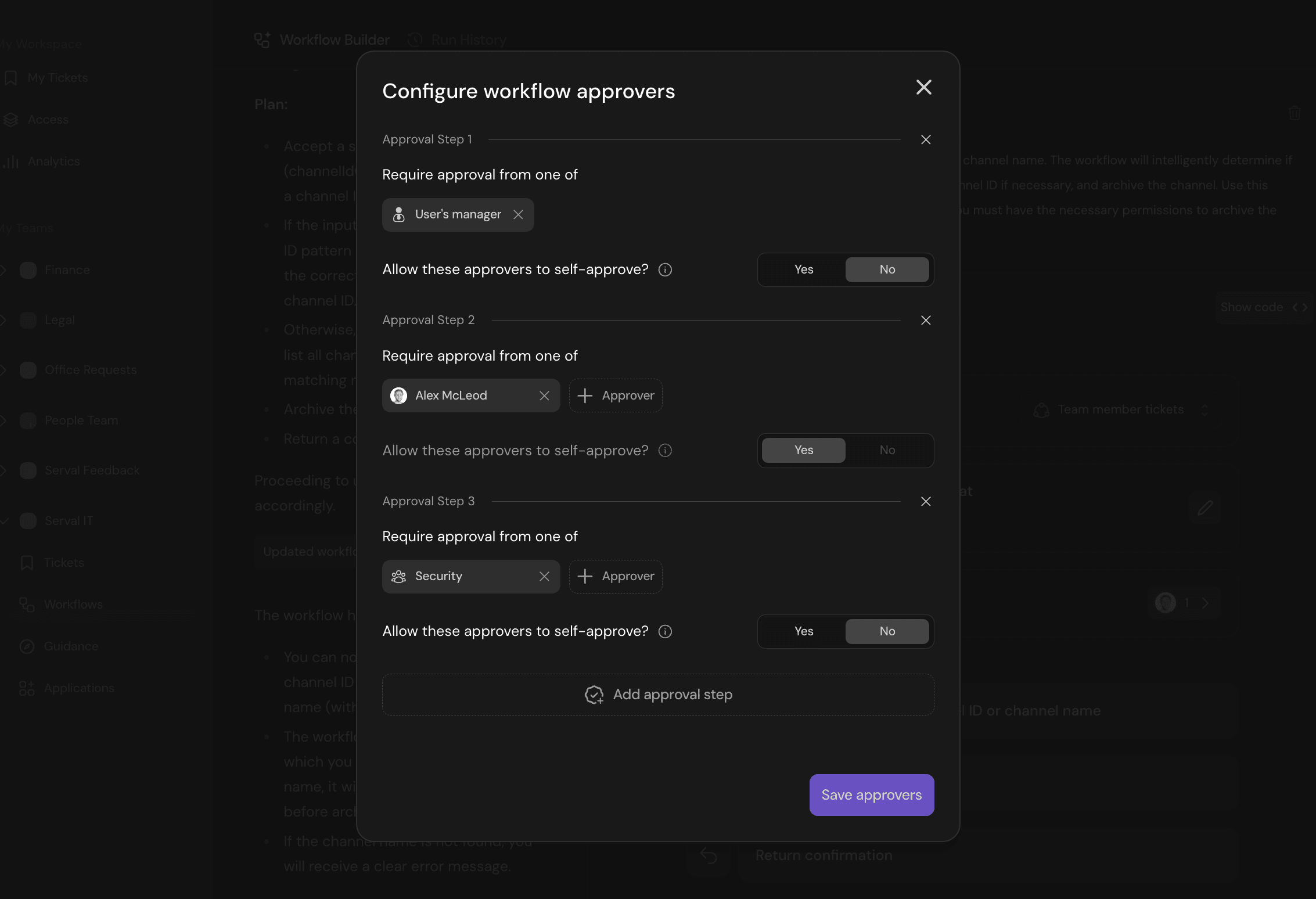
Introducing Manager and Multi-step Approvals
New approval features ensure robust controls over AI tool access
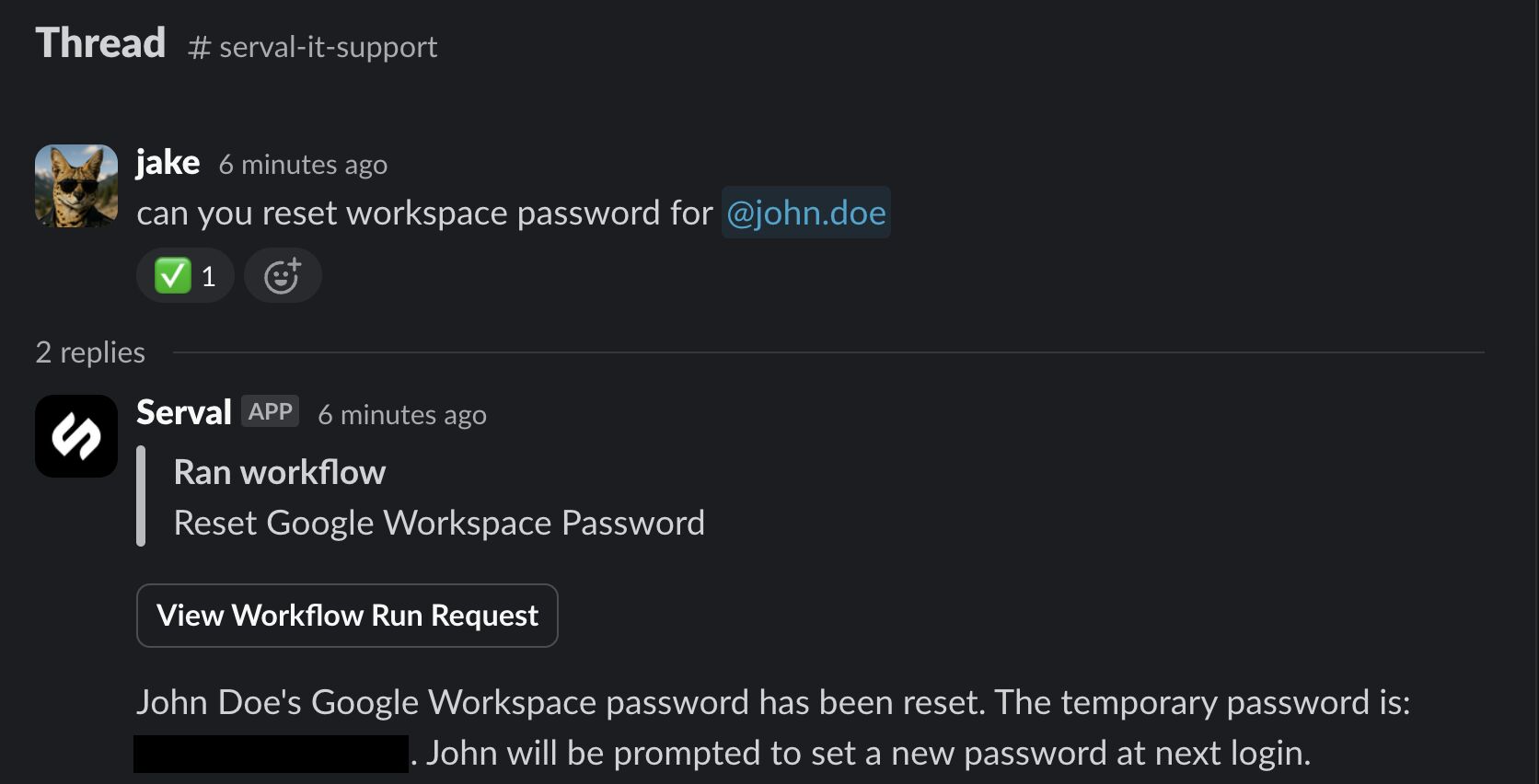
Is this the end of IT tickets?
See how IT ticketing is evolving with the deployment of AI agents
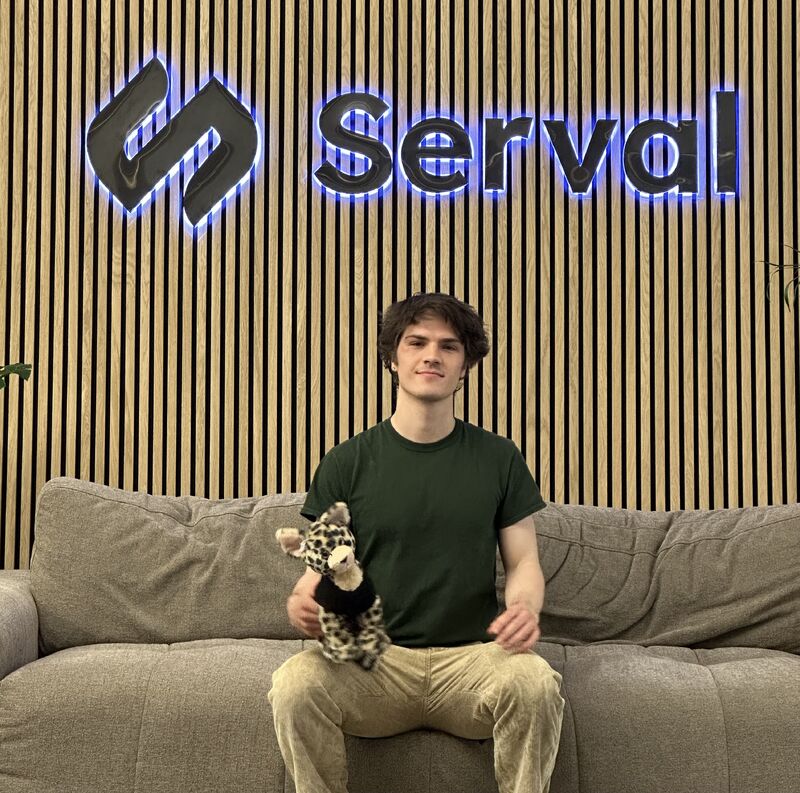
Serval Team Member Spotlight: Teddy Wahle
Celebrating Teddy's achievements
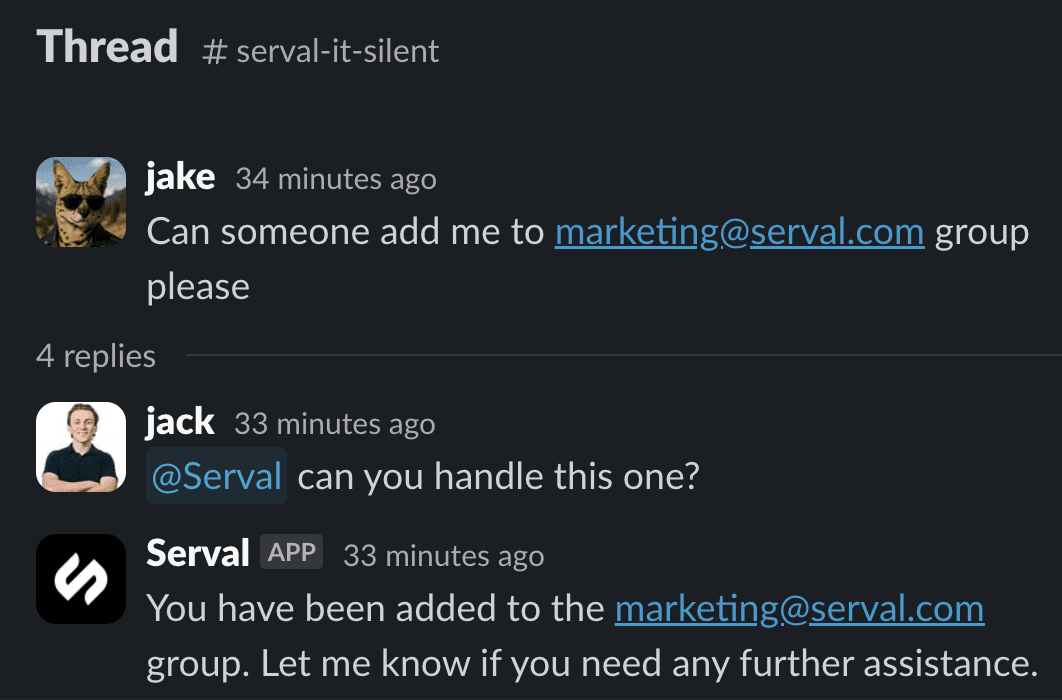
Introducing Serval Silent Mode
Keep Serval AI in the background and tag for help when needed
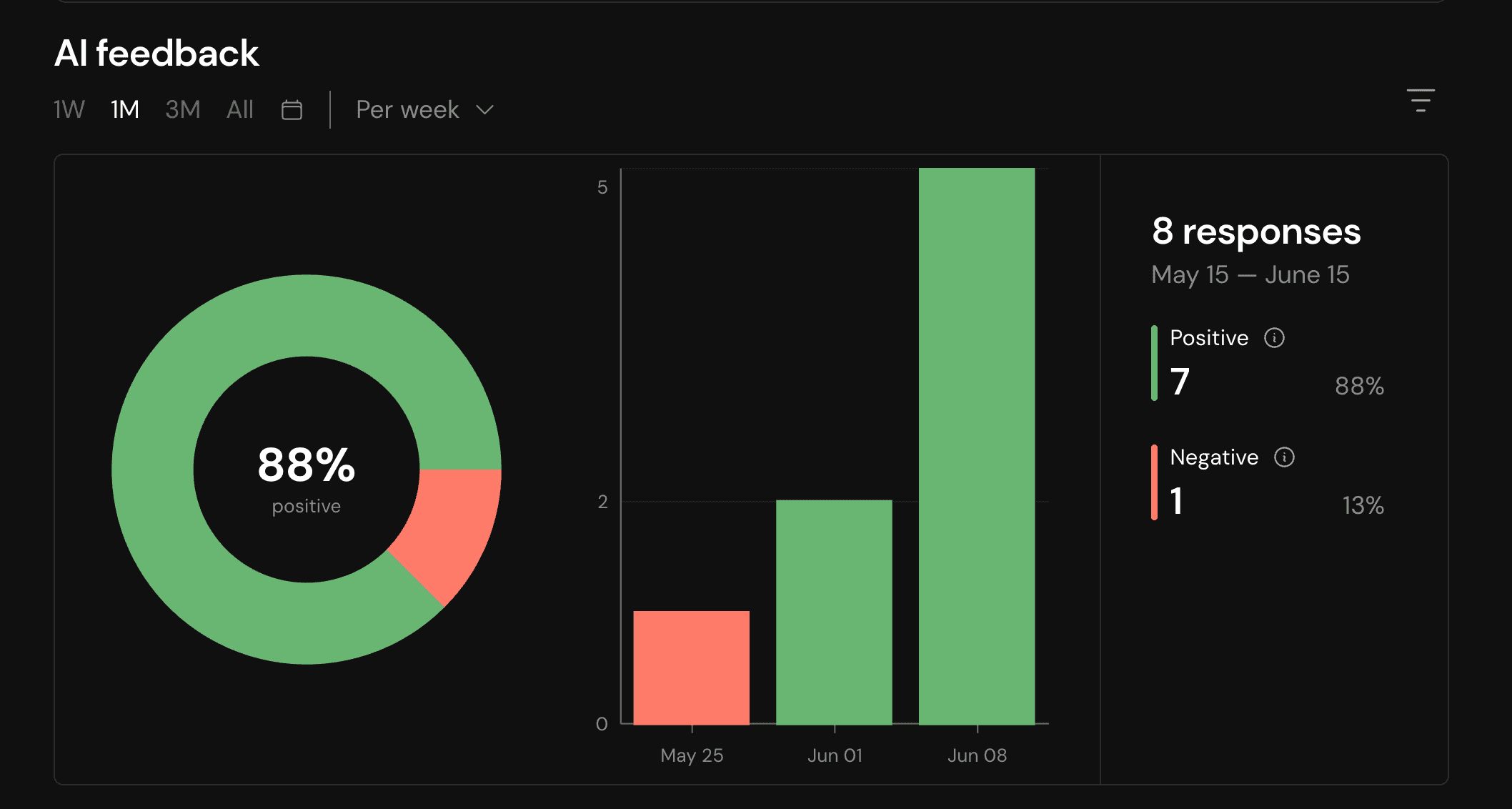
Introducing AI Feedback
Collect user feedback on Serval's AI agent and track changes in a real-time dashboard

Introducing Serval's New Public API
Create tickets from anywhere, embed AI resolutions, and sync users at scale with a single set of REST endpoints and webhooks.
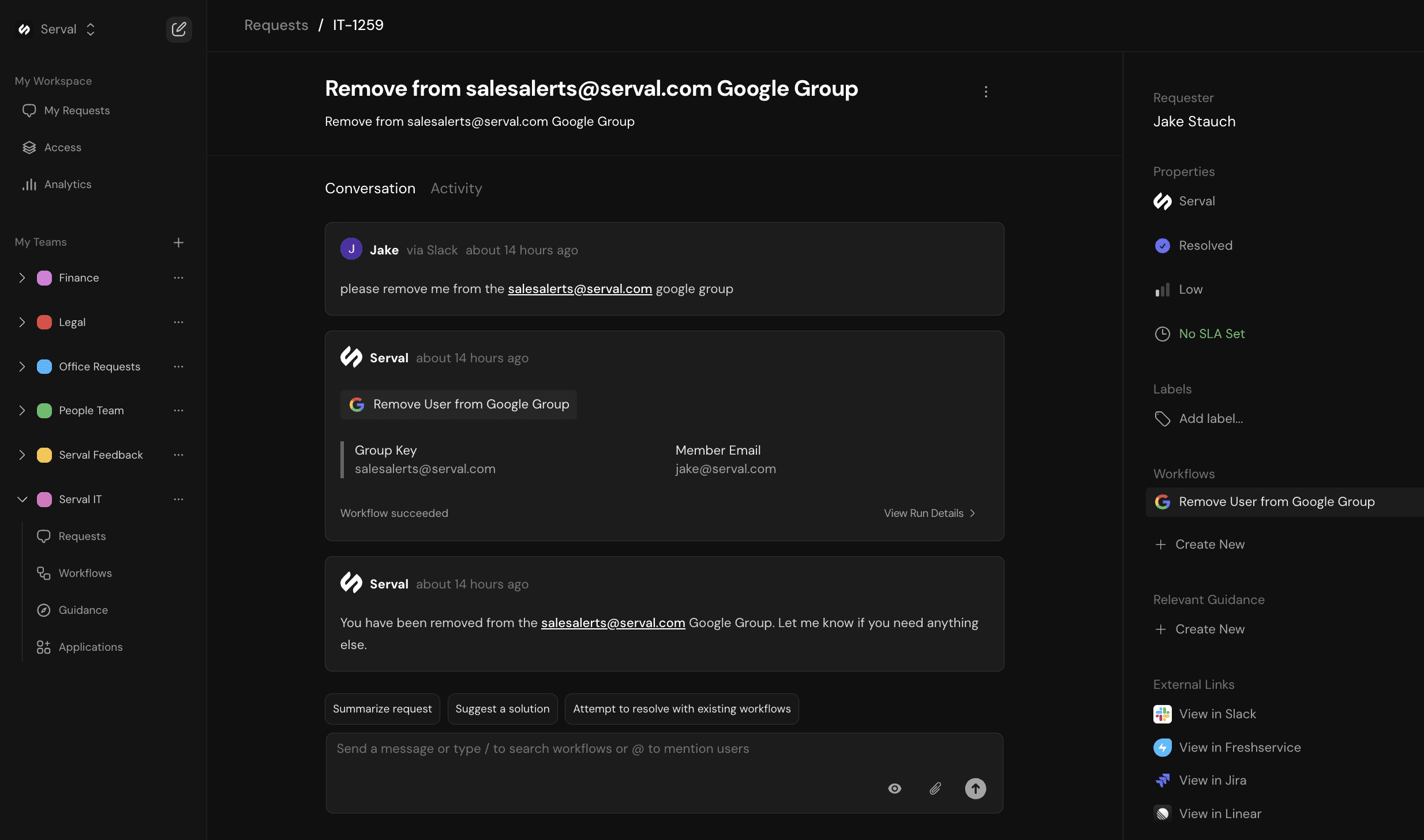
Introducing Serval Integration with Jira Service Management, Freshservice, and Linear
Take advantage of Serval's AI capabilities without replacing your existing ticketing system
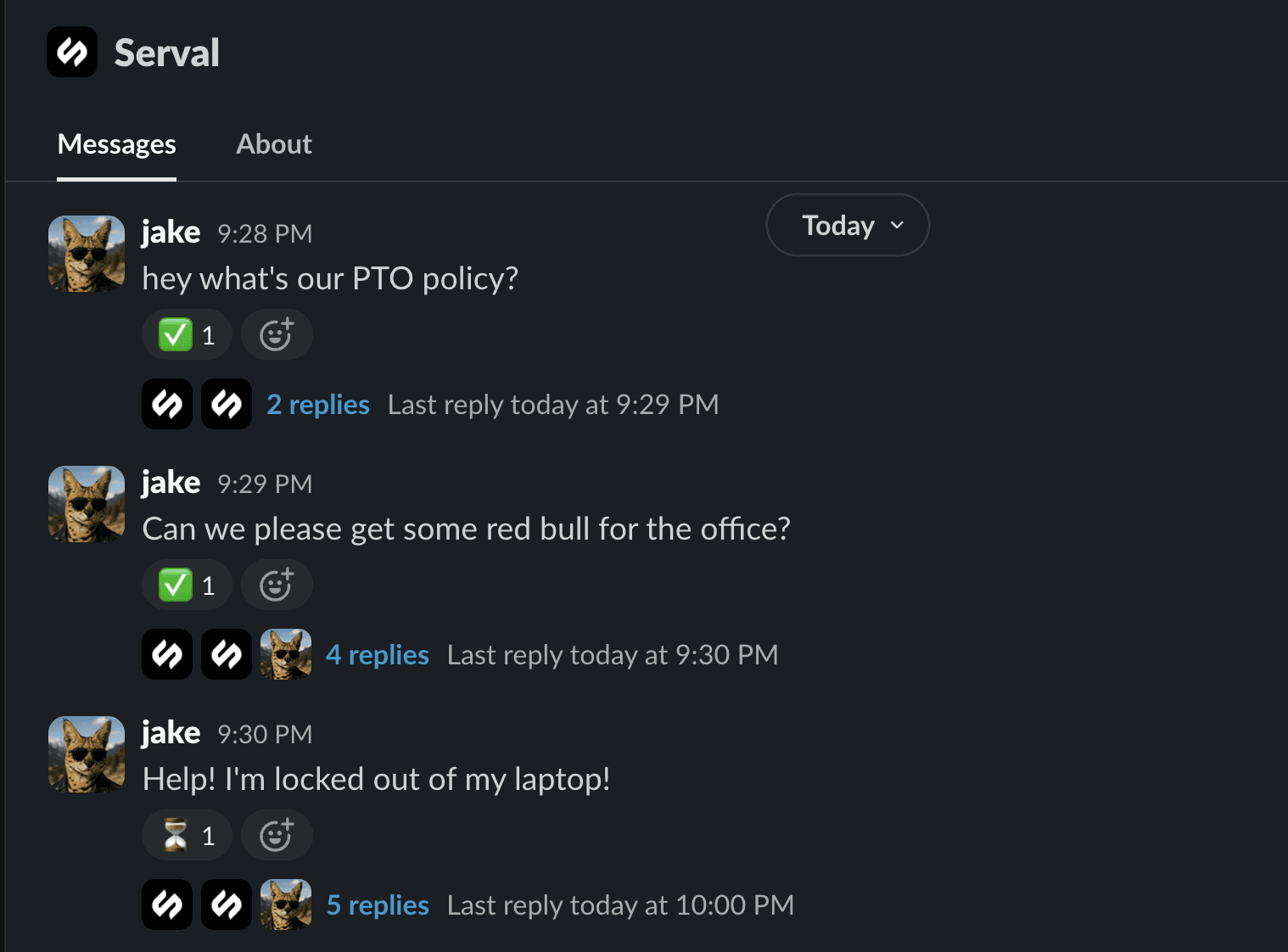
Introducing Private Serval Messages with Team Routing
Your own private help desk - for all your requests
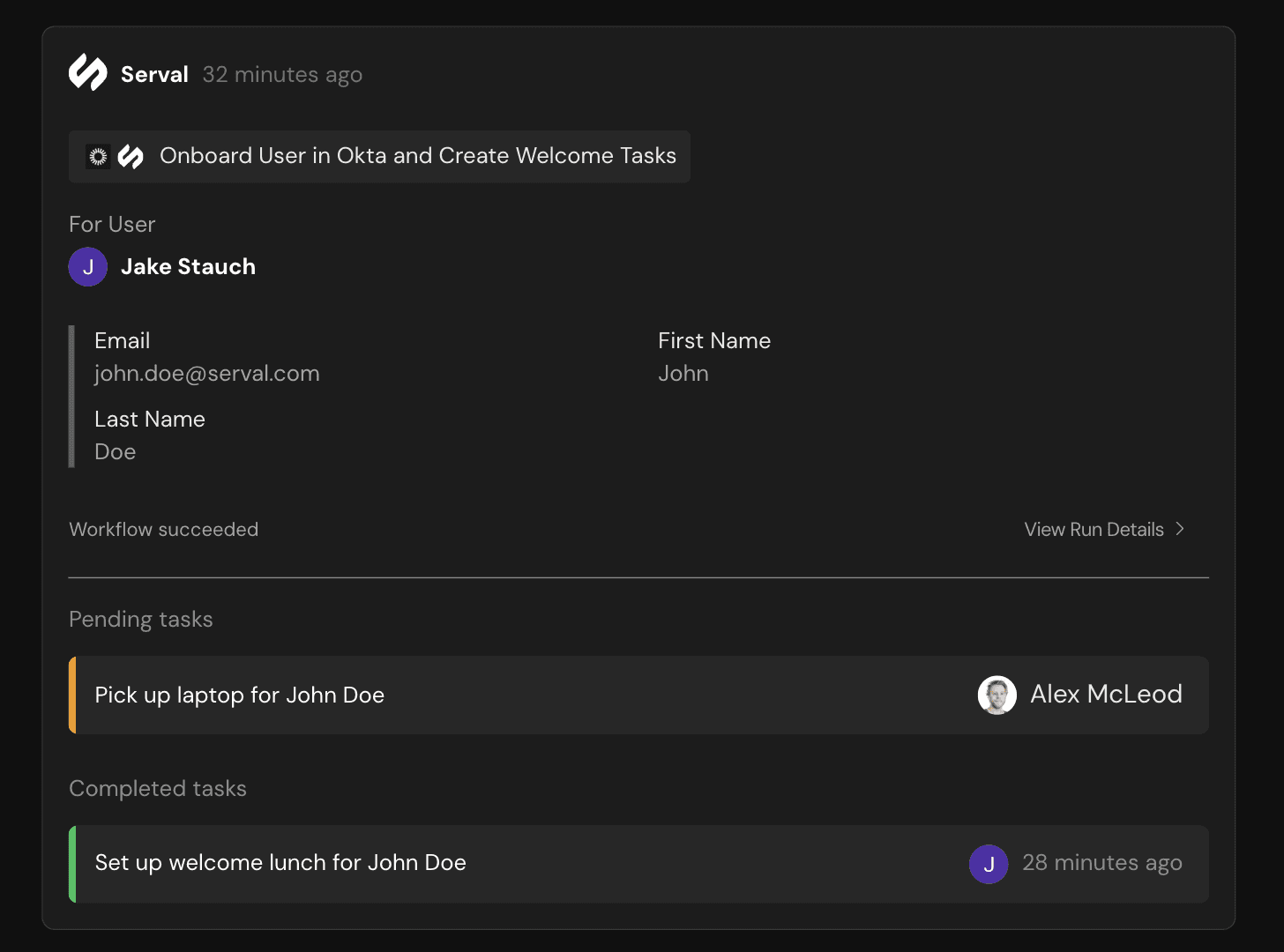
Introducing Tasks in Serval Tickets
Say goodbye to Jira checkboxes. Serval tickets now track manual tasks.
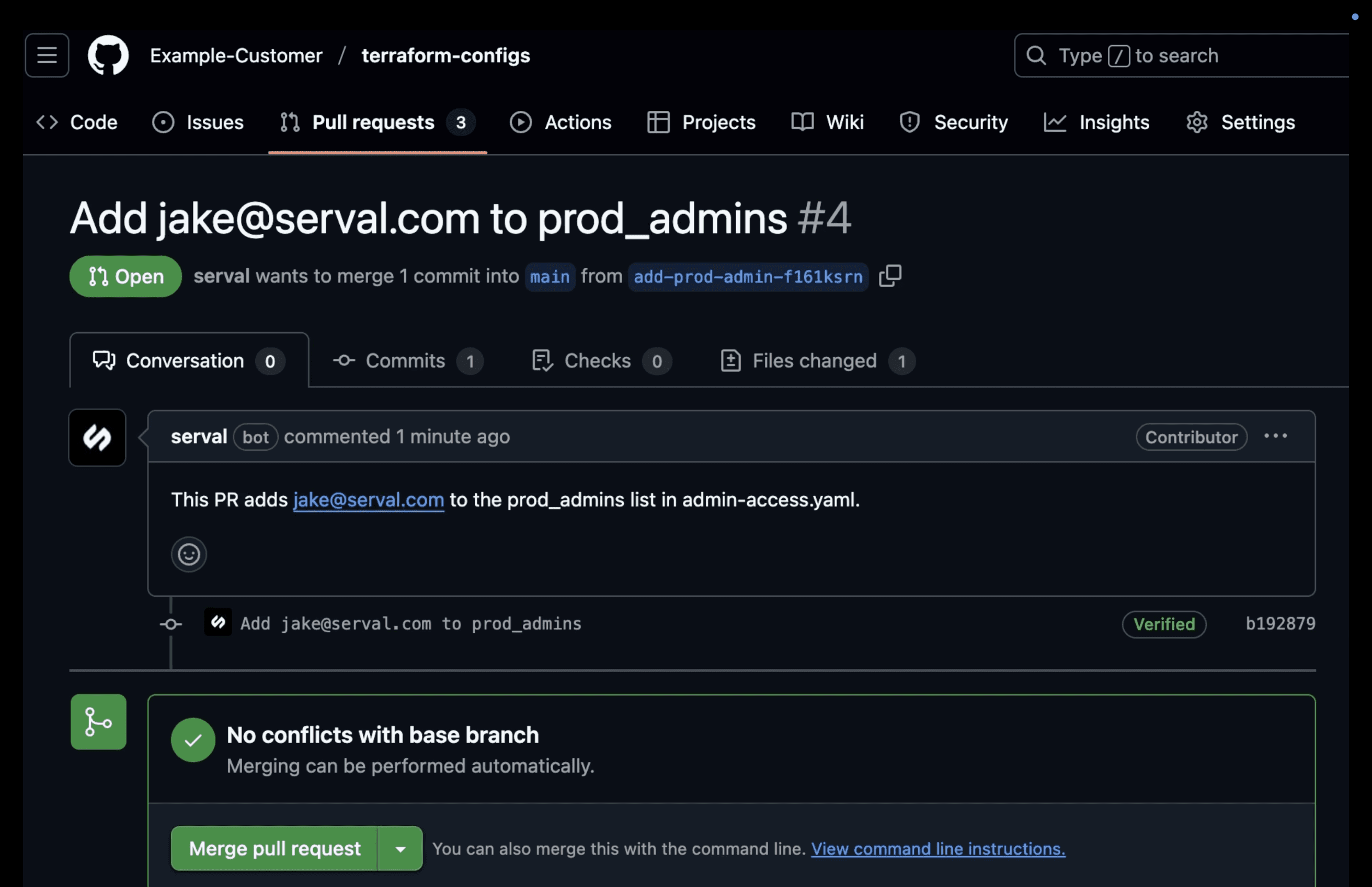
Introducing GitHub Automations
Automate GitHub PRs and more from a help desk request
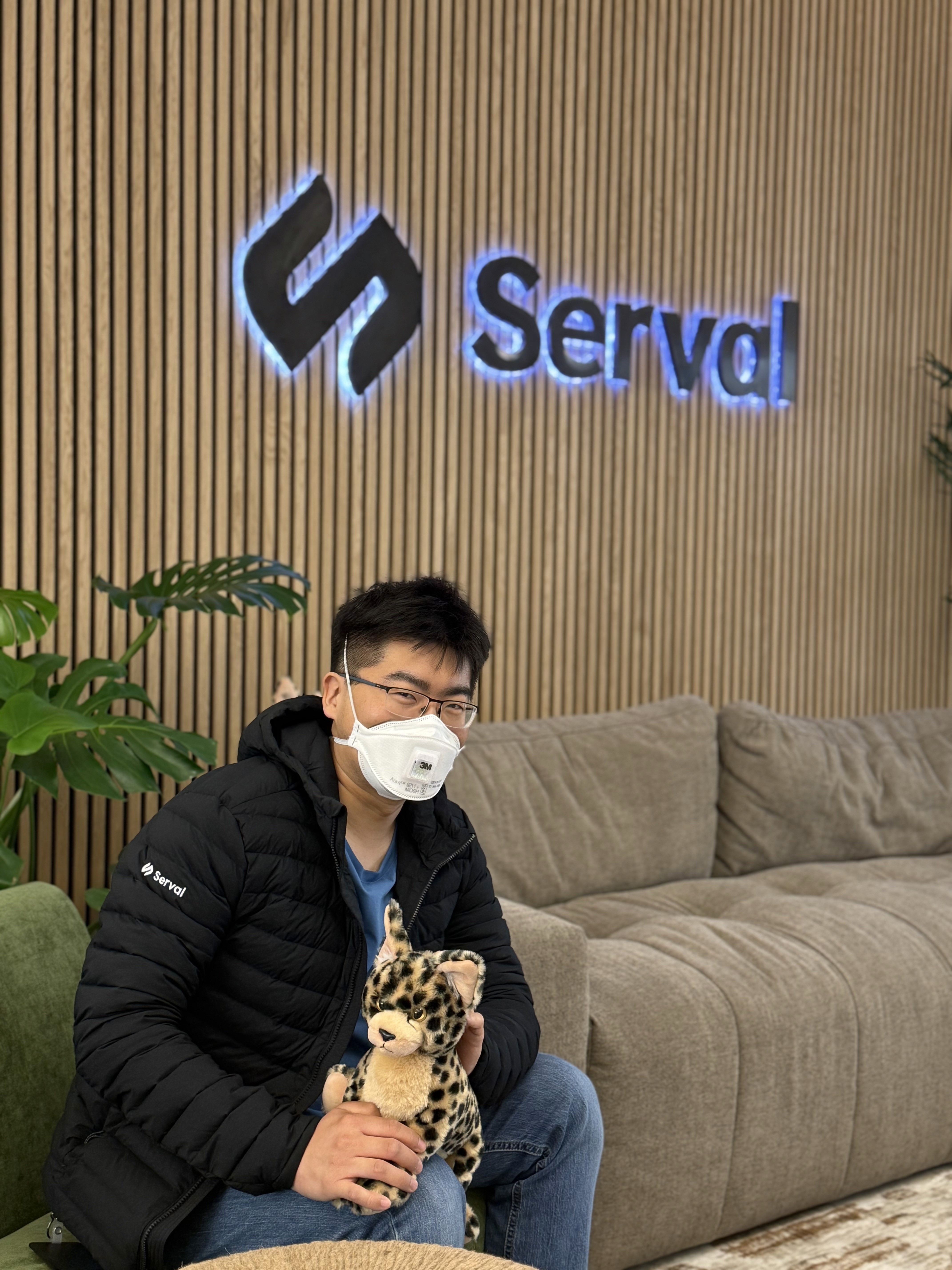
Serval Team Member Spotlight: Derrick Liu
Celebrating Derrick's achievements
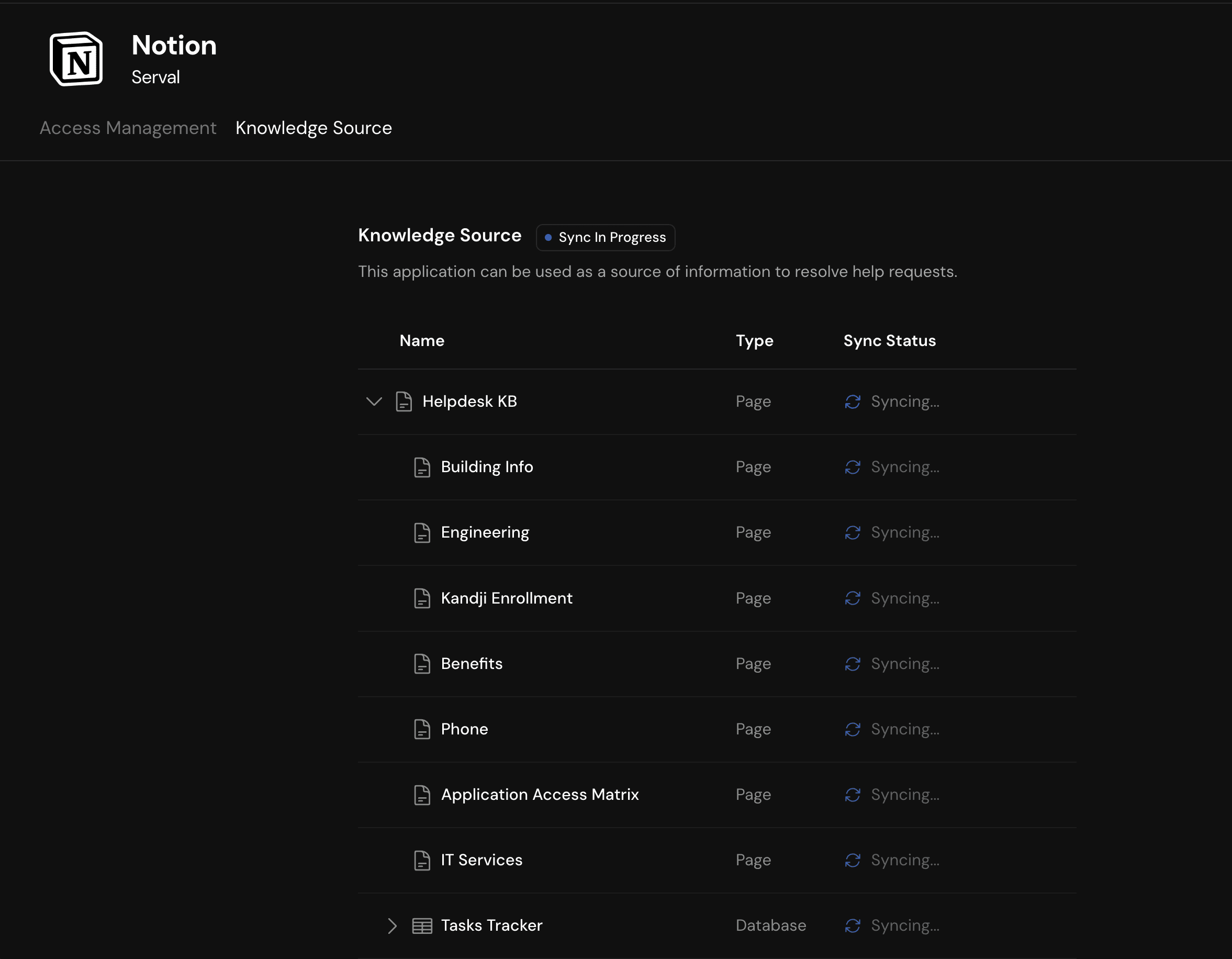
Introducing Third Party Knowledge Base Integration
Serval's AI agent answers employee questions using docs from Notion, Confluence, etc.
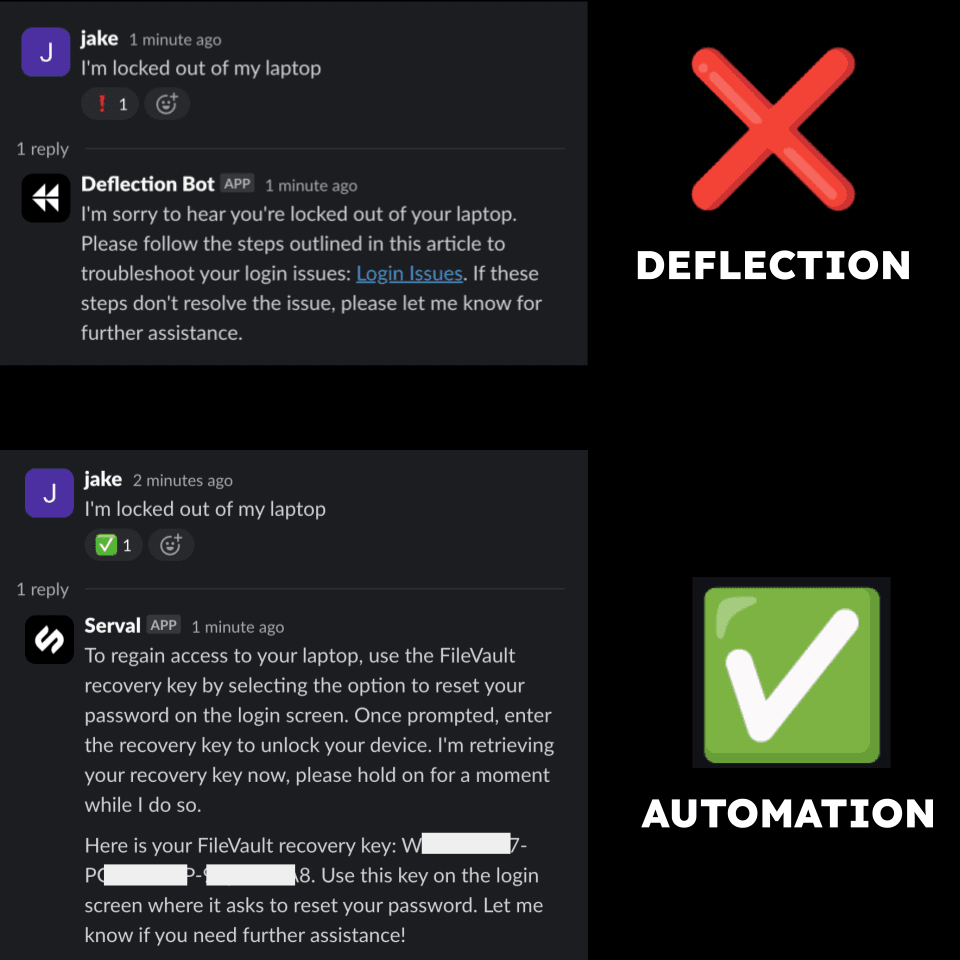
The Difference between Automation and Deflection in the Help Desk
They not like us
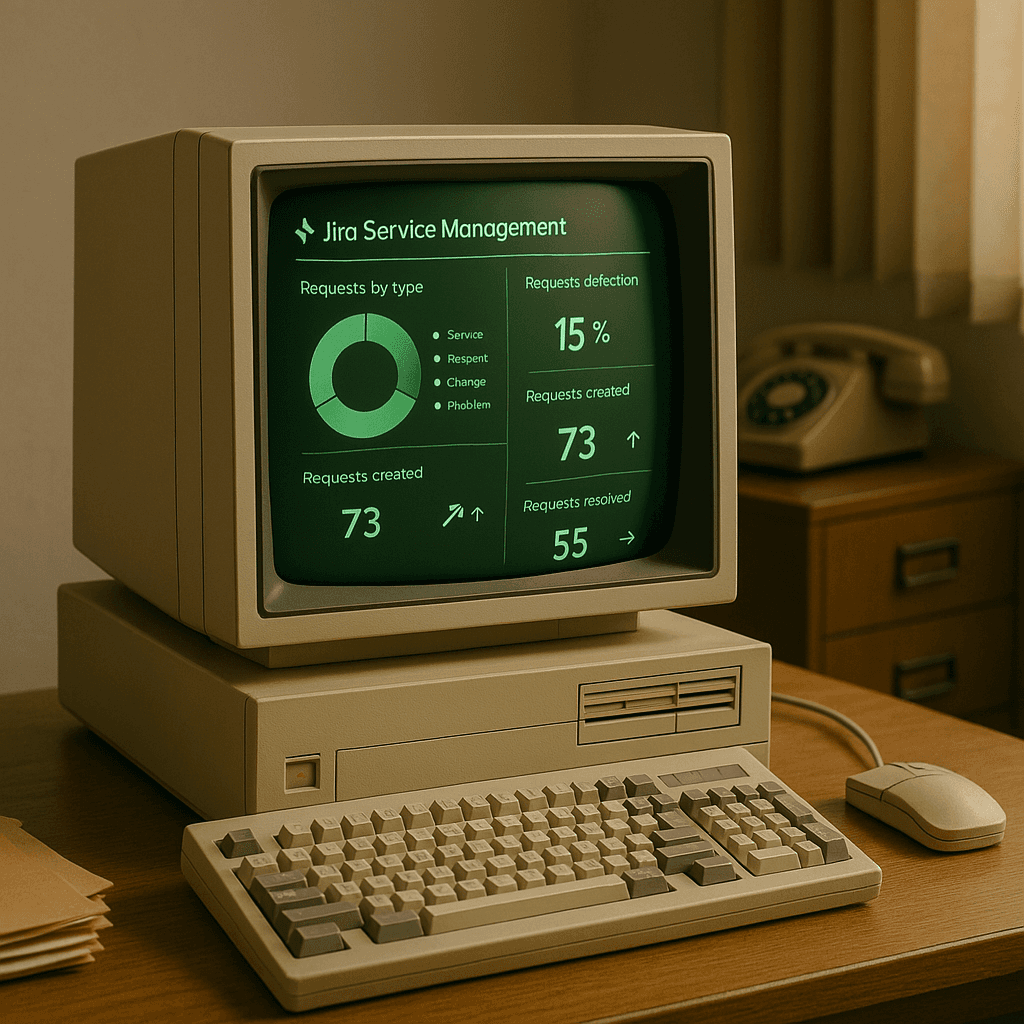
Migrating from Jira Service Management to Serval
It's easier than ever to modernize your ITSM

AI to Help Humans Work Better - Not Take Jobs
AI enables otherwise impractical best practices in IT and security
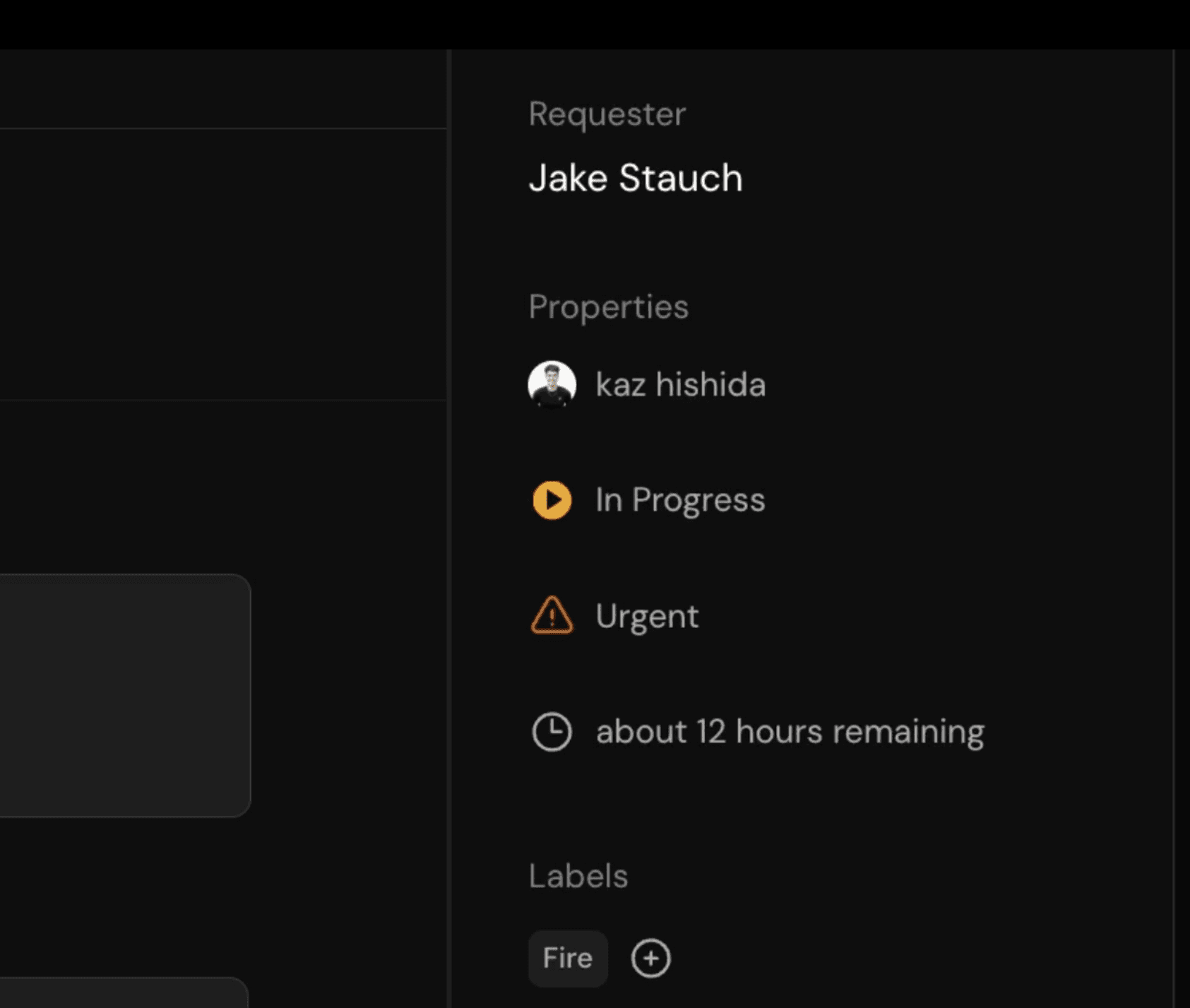
Introducing Ticket Auto Updates
"Quiet AI" for the modern ITSM
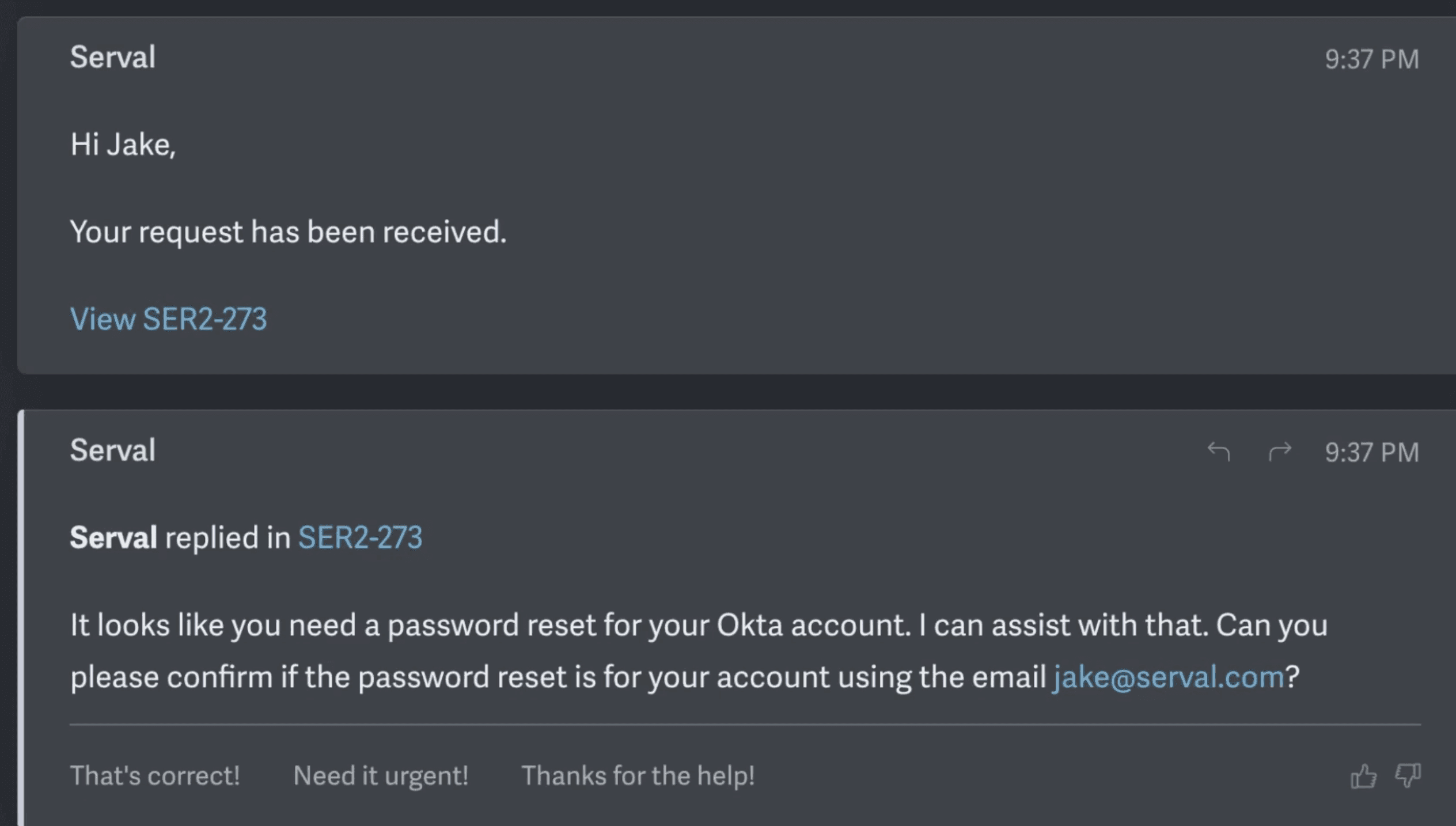
Introducing Serval’s AI-Powered Email Help Desk
AI resolutions to any help desk request over email
Serval Team Member Spotlight: Sebastien Lajeunesse-deGroot
Celebrating Sebastien's achievements at Serval
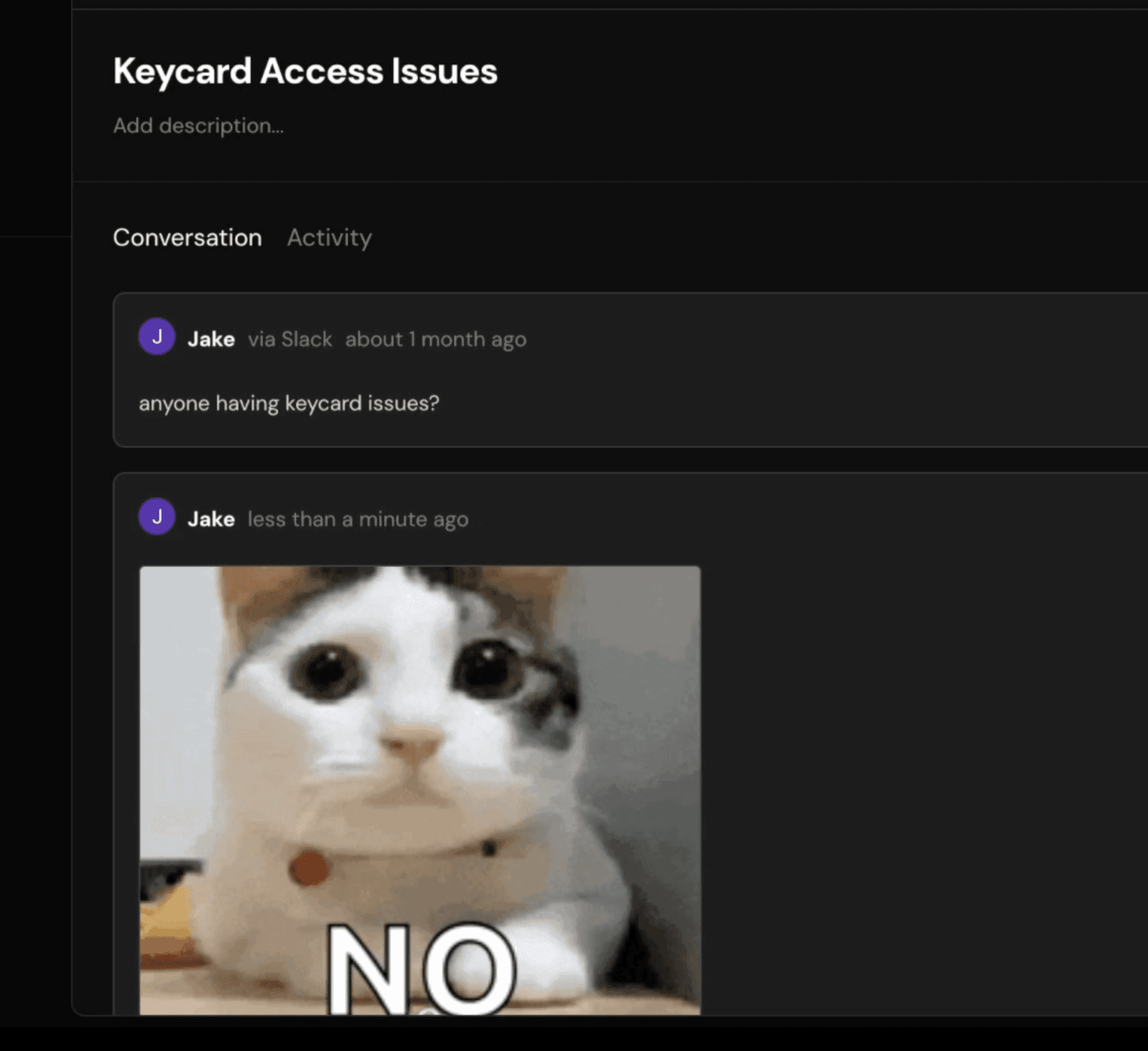
Introducing Email Support, Internal Notes, Merging, and Image Attachments
Latest features add more capabilities for Serval ITSM
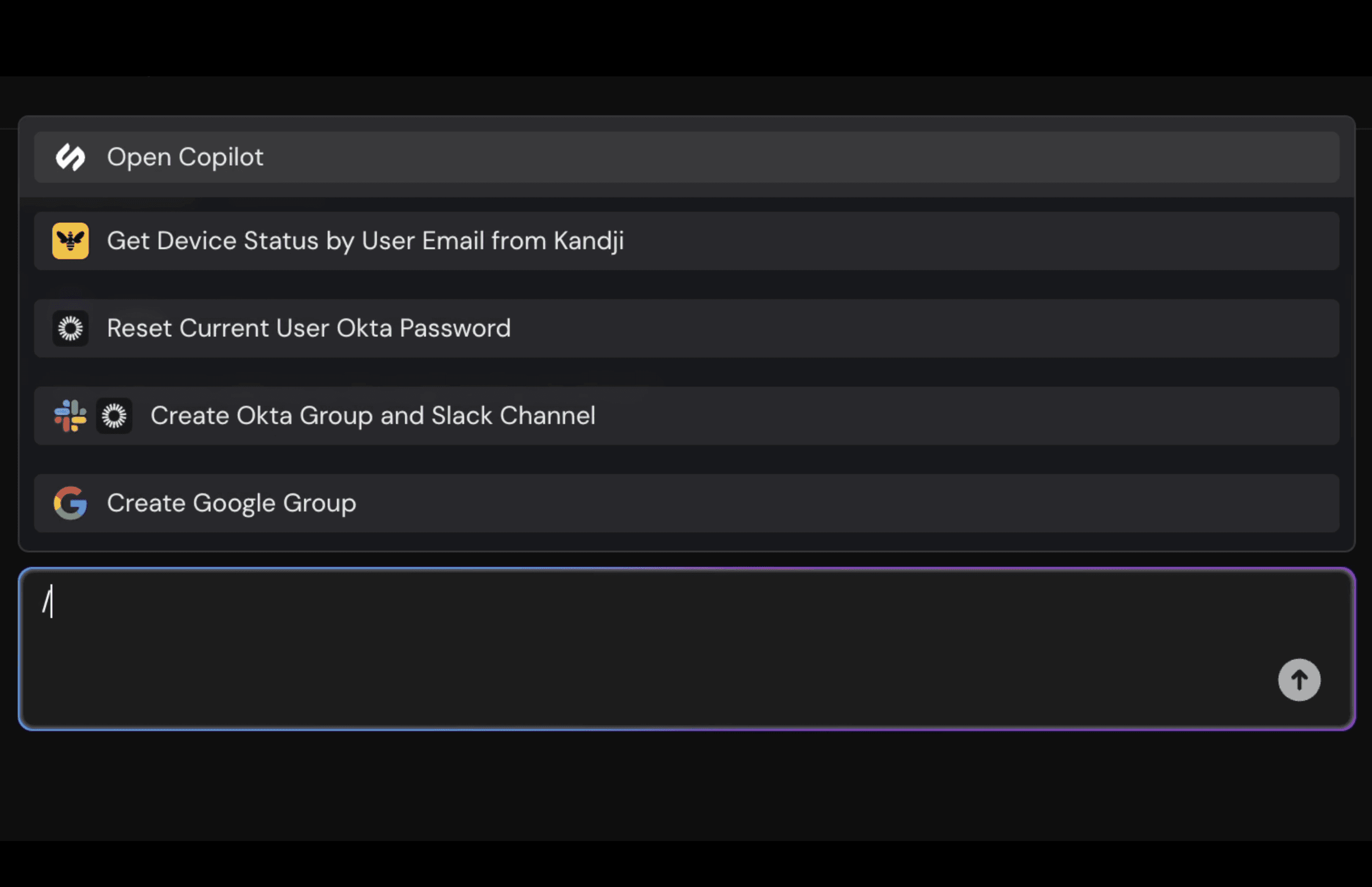
Serval Copilot
AI superpowers for human agents
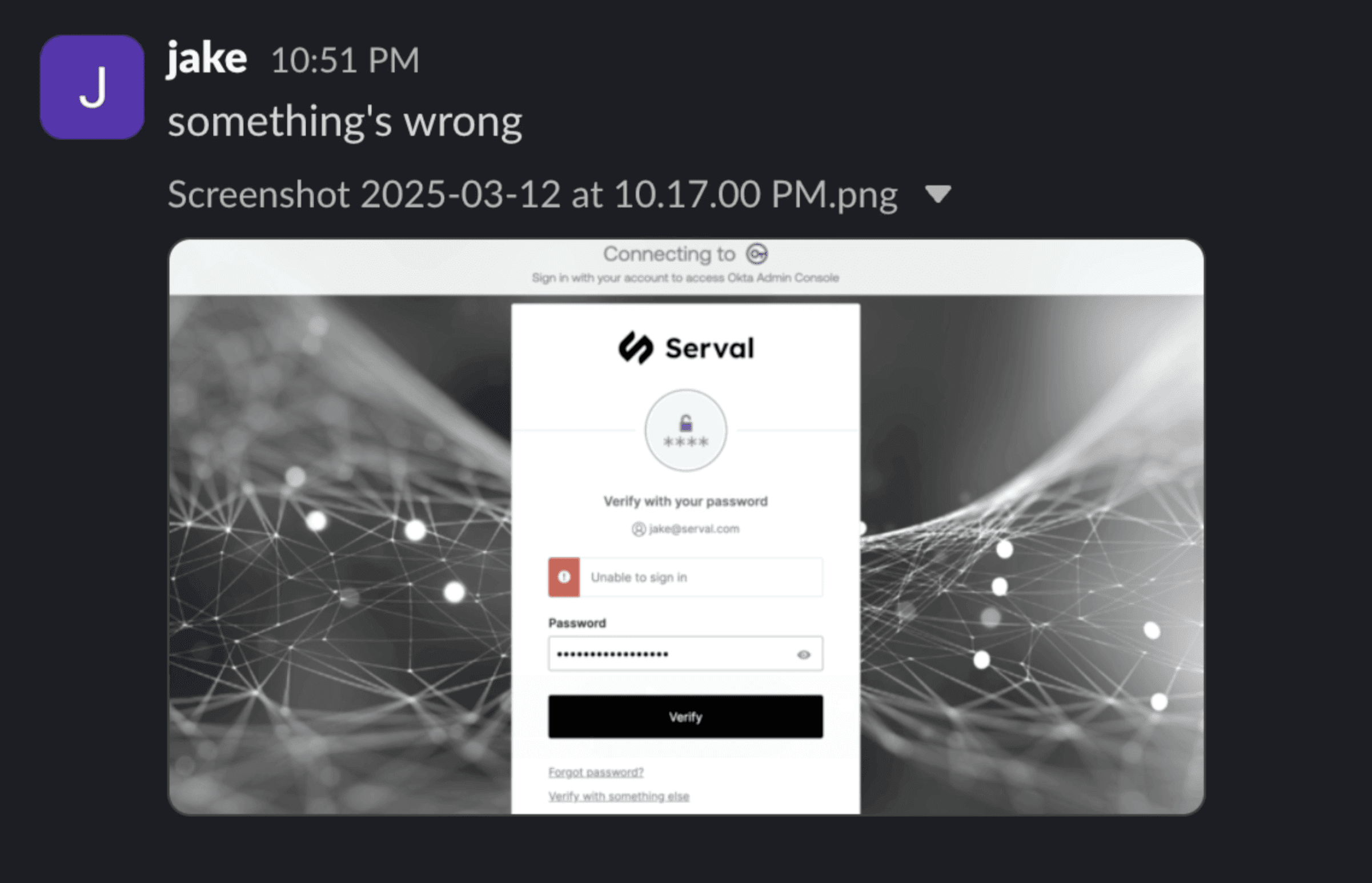
Introducing Image Recognition
Serval now diagnoses and resolves help desk requests from a screenshot
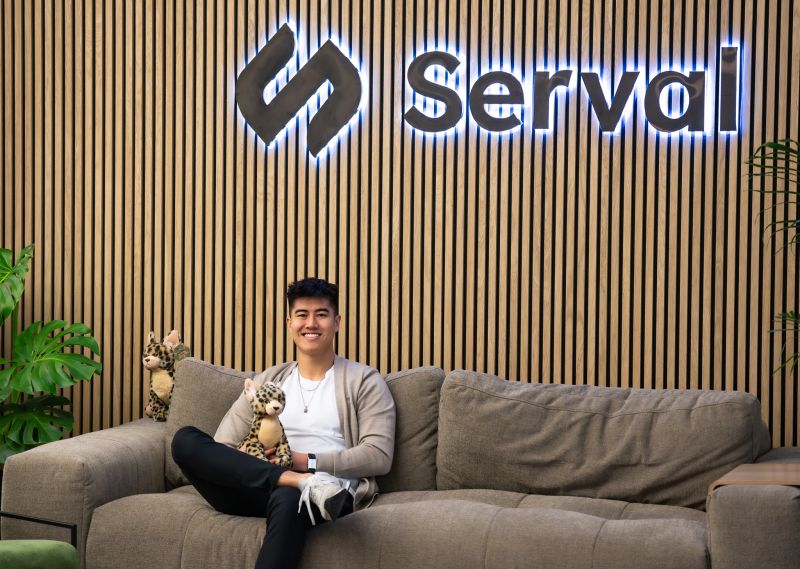
Serval Team Spotlight: Kaz Hishida
Celebrating Kaz's achievements at Serval
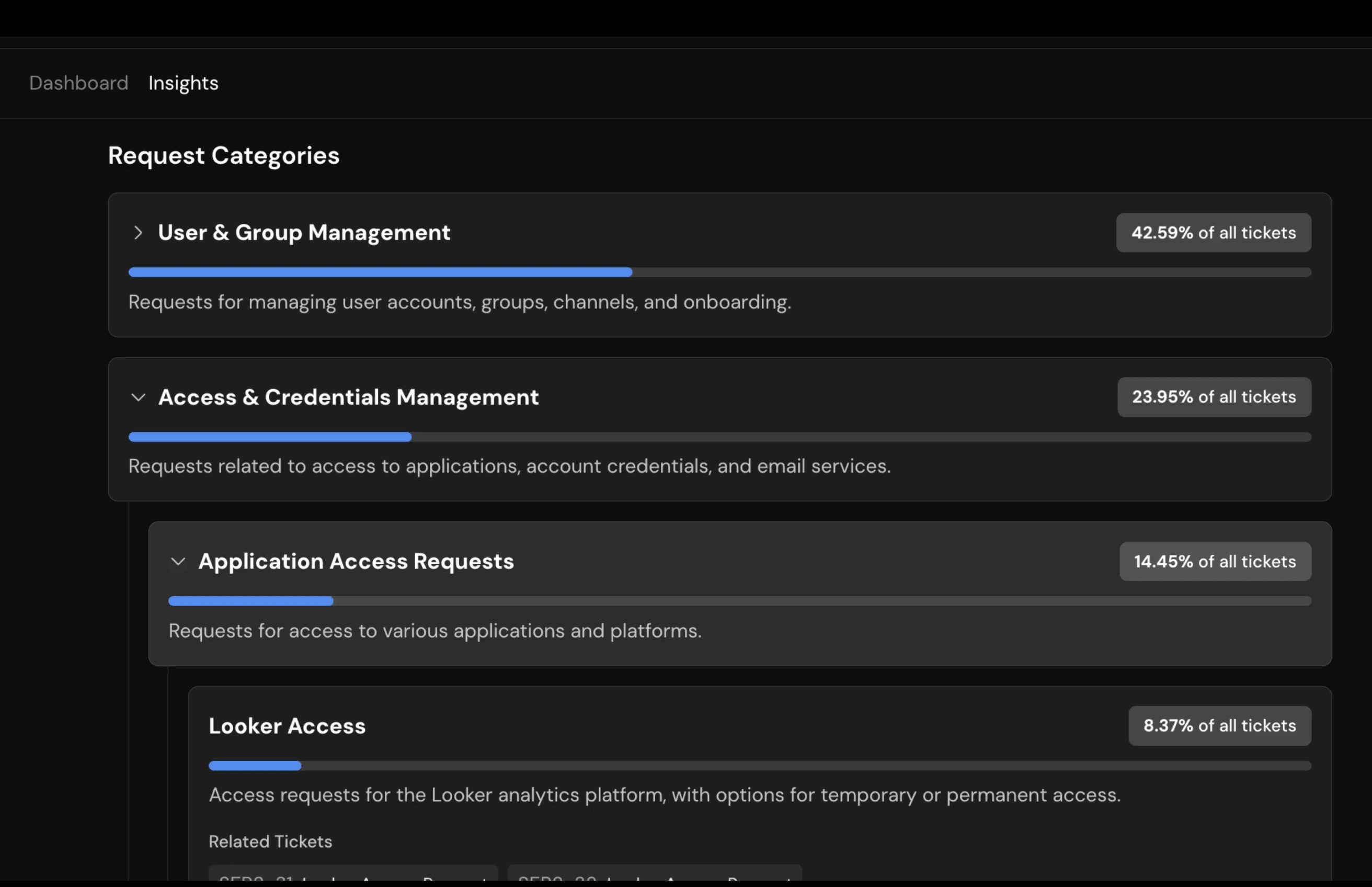
AI Insights
Serval AI categorizes historical tickets and highlights automation opportunities

Making IT Automation Safe and Secure
Guardrails are key to deploying AI in the ITSM
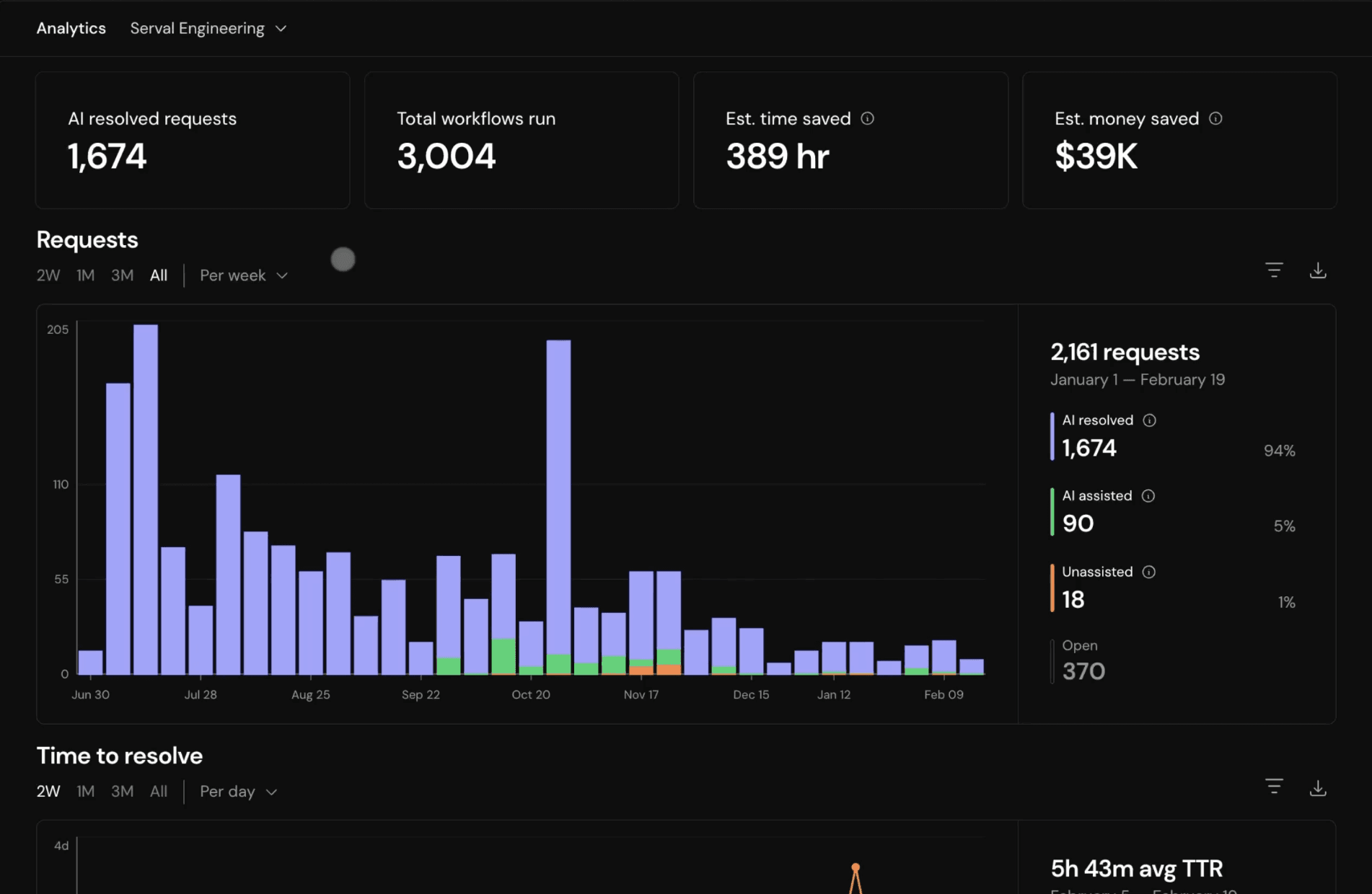
Analytics, Public API, and Serval for Serval Automations
Latest updates for Serval power users
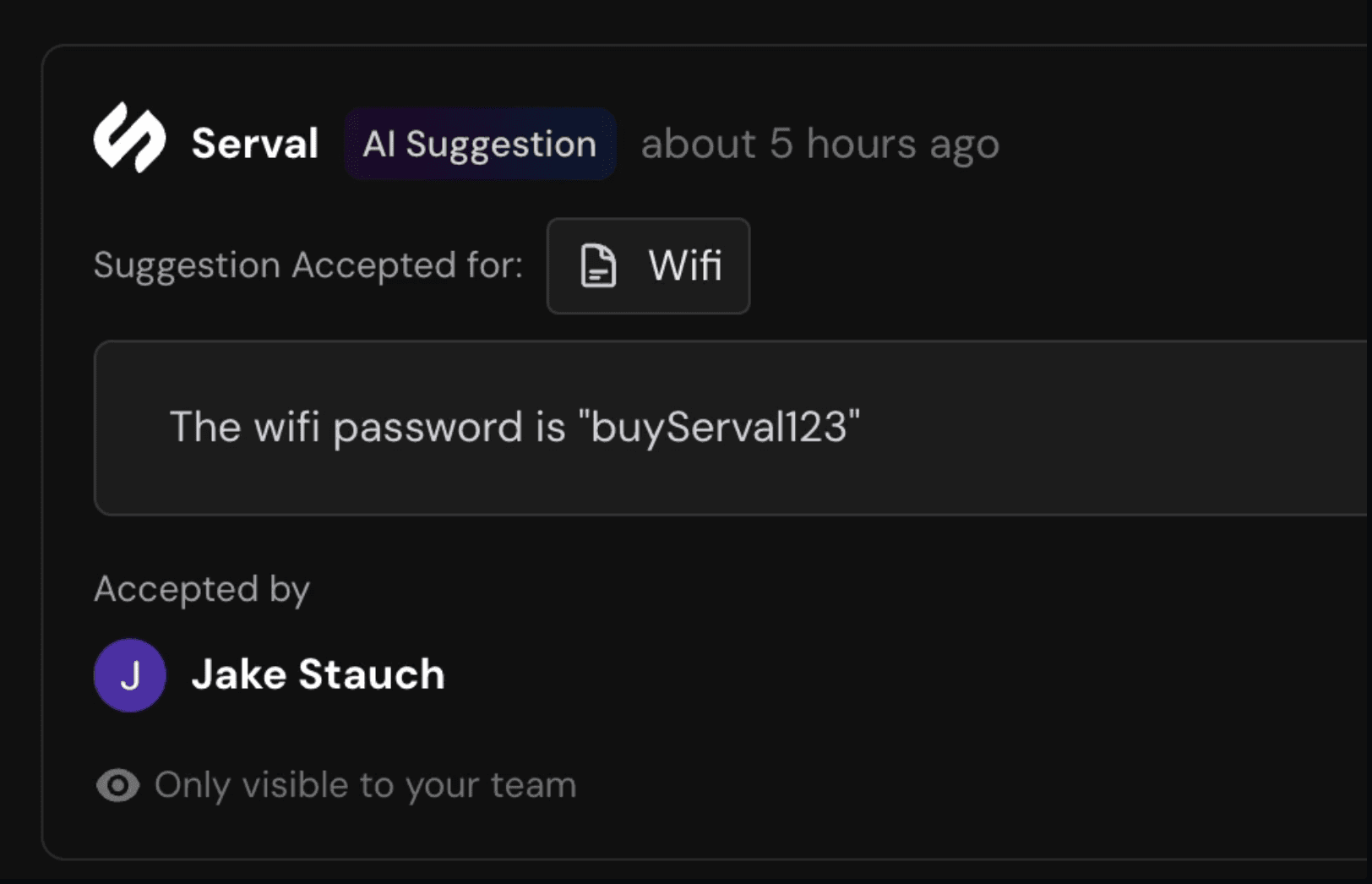
Natural Language Approvals, Automated Knowledge Base Updates, and Version Control
New features for help desk automation
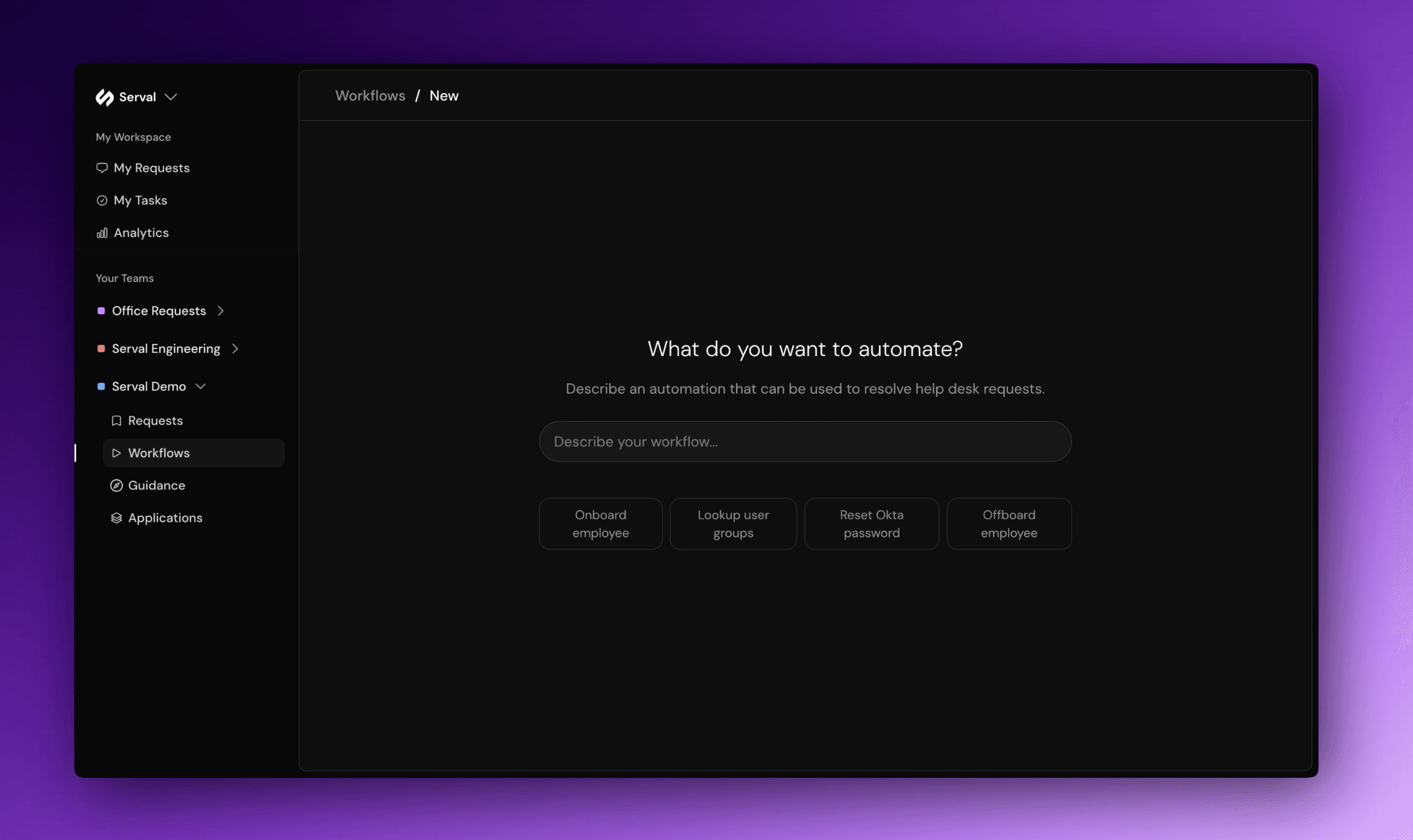
Automating the Automation for IT
Natural language workflow builder eliminates friction in building IT automations
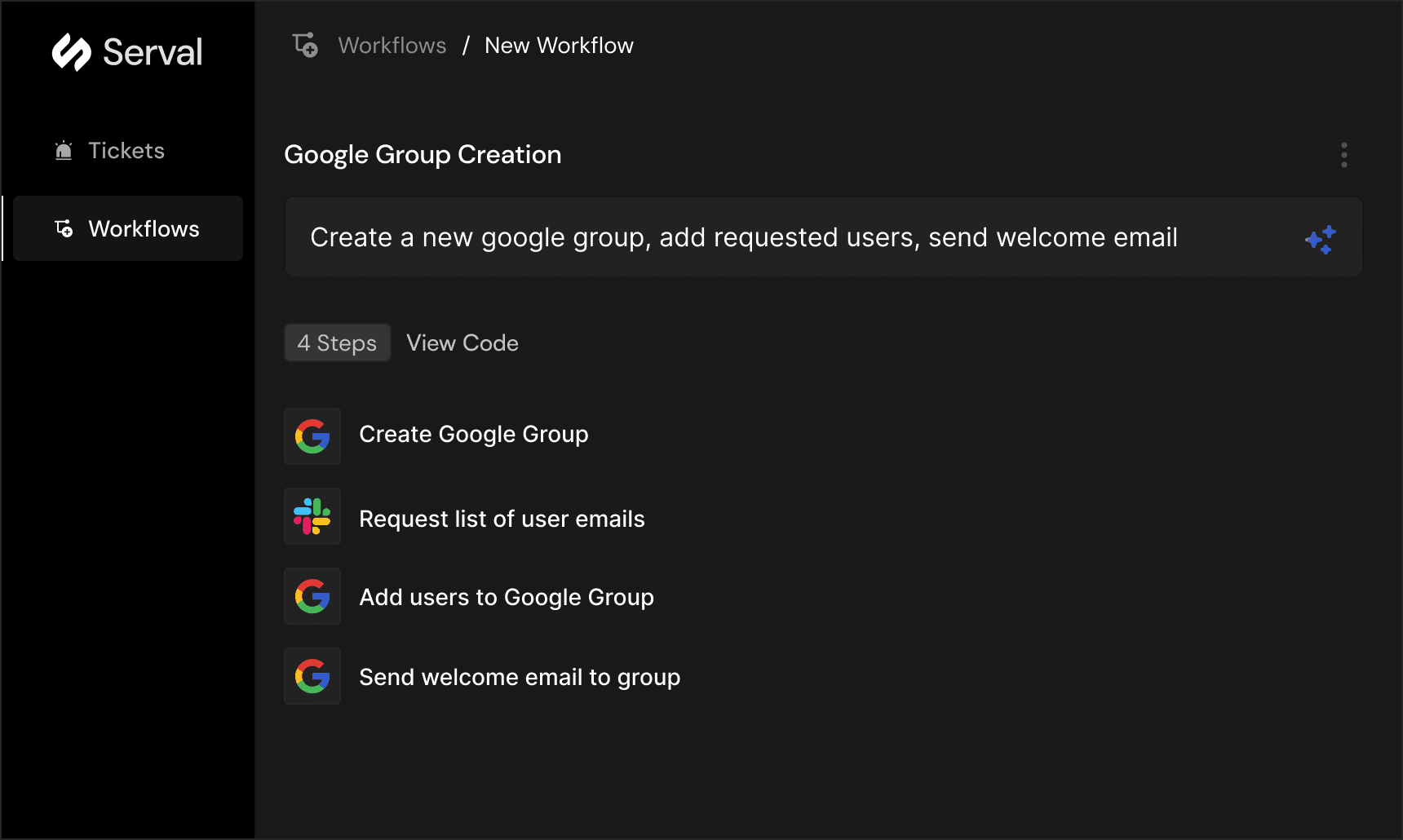
Introducing Serval
AI to give IT superpowers

Serval Achieves SOC 2 Type 2 Compliance
Continuing our commitment to data security
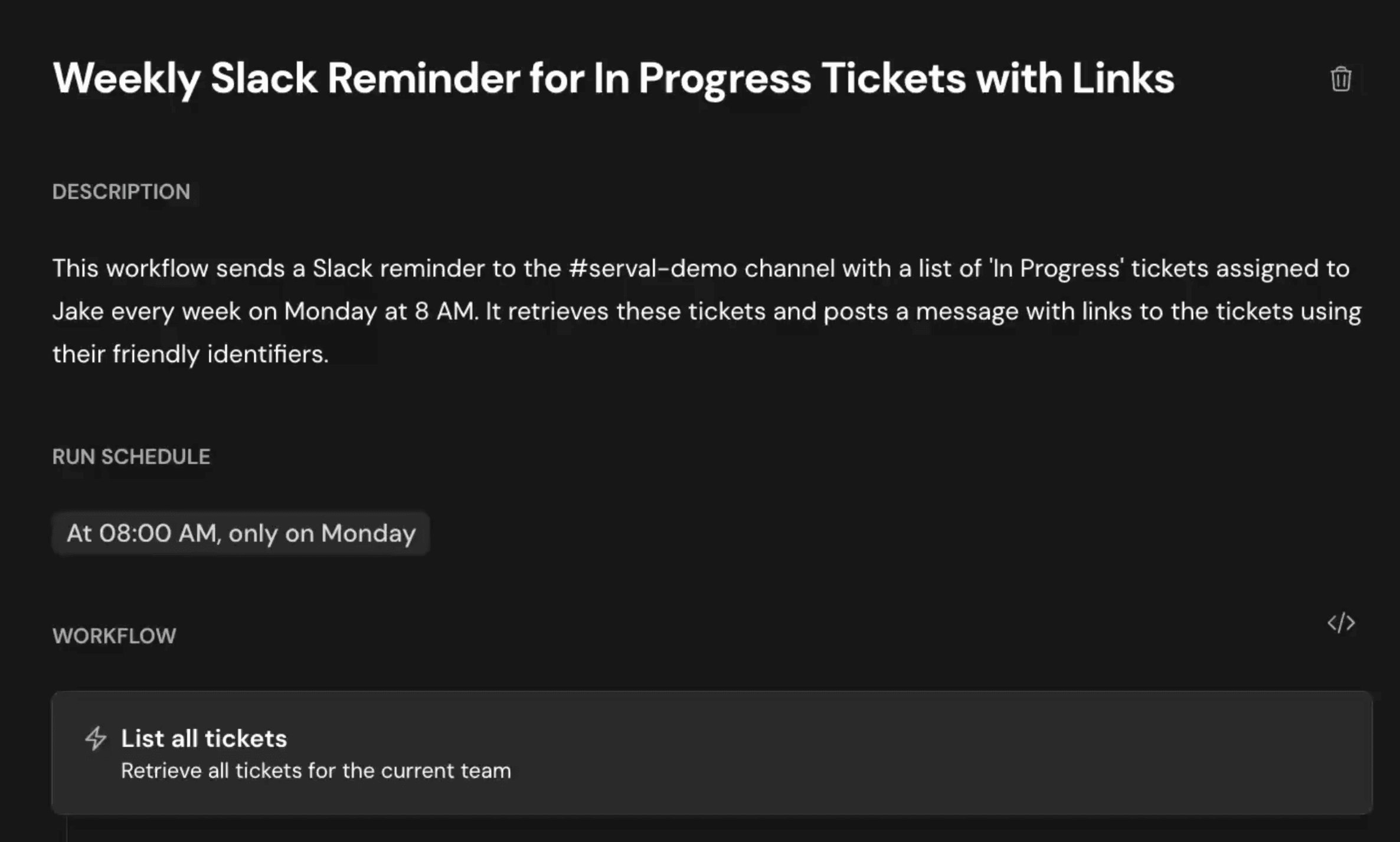
Scheduled Workflows
Run workflows on a recurring schedule