Help desk automation: What it is and how IT teams use it
Published
Help desk automation is a strategic shift. It takes your team from manual triage to deterministic workflows that handle repetitive requests. Teams that have implemented ITSM fundamentals will see the help desk move from a reactive source of bottlenecks to a proactive service desk engine.
Automated help desks use artificial intelligence to tackle high-volume tasks like password resets and access provisioning. This lets human IT workers focus more time on complex issues like more nuanced escalations.
This guide explains the additional benefits of help desk automation and compares the tools needed to implement this system. It provides a framework to help you choose the right platform for your tech stack and automation needs.
Benefits of help desk automation for IT teams
Help desk automation helps IT teams improve service level agreements (SLA) compliance, speed up response, and resolve more issues. The most important benefit is arguably the faster time to resolution (TTR) that happens naturally from automating manual processes. This operational change improves SLA compliance and maintains predictable response times even during unexpected spikes in requests.
Advanced service management platforms also make it easier to scale operations without the need to increase headcount. Automating the repetitive tasks gives engineers their time back so that they have the bandwidth to handle high-impact infrastructure and security projects.
Another key benefit is that an automated help desk supports compliance. Replacing manual resolution steps with deterministic workflows creates a standard response and an auditable trail each time that response is executed.
Modern self-service in help desk automation makes it possible for employees to submit tickets via the apps they already use, such as Slack, Teams, or email. An AI agent then executes the resolution end-to-end, reducing ticket volume and providing instantaneous support.
IT teams can use integrated analytics to analyze ticket metadata and identify opportunities for new automations or fine-tuning existing workflows. This iterative cycle ensures the desk evolves with current organizational needs and delivers a high ROI.
6 best help desk automation tools
There are many service desk automation tools on the market. The right one for you depends on your organization’s needs, compliance requirements, and specific automation goals.
1.Serval
Serval is an AI-native ITSM platform built for IT teams that want end-to-end automated resolution rather than just AI-assisted triage. Main features include:
- AI resolution: Resolves requests without human intervention by using deterministic TypeScript workflows for tasks like password resets, access requests, and onboarding
- Knowledge management integration: Connects with existing storage points of your data, such as Notion, Confluence, and Google Drive, to find answers instantly while respecting permission restrictions
- Access management: Routes approvals to groups, managers, or multi-step chains, provisions access with a time limit attached, and automatically revokes it when the limit expires. Coverage includes time-based access and user access reviews (UAR)
- Suggestions engine: Analyzes ticket patterns and recommends new skills, workflows, app connections, and knowledge base updates you can accept into production
Verdict: Serval is the top choice for enterprises ready to replace manual support with a platform that resolves requests end to end. Unlike Jira Service Management and Zendesk, Serval compiles your plain-language description into deterministic TypeScript you can read and edit. The help desk agent can only call published workflows. It can't create or modify them, and it runs in a separate environment from the authoring agent.
2.Freshservice
Freshworks provides Freshservice as a cloud-based solution designed to streamline internal requests through intelligent workflow automation. Key features include:
- Freddy AI: Learns from past data to suggest ticket fields and automate tasks like categorization, prioritization, and routing to the right agent
- Workflow automator: Uses a graphical interface to automate repetitive tasks and trigger actions based on ticket status changes
- Self-service: Makes it easier for employees to get assistance via a unified agent workspace and chatbots
Verdict: Freshservice is best for teams that want AI-assisted routing and a UI-based workflow automator inside a single cloud-hosted ITSM suite. Freshworks describes Freddy AI as interpreting conversational requests and resolving them end to end; the platform is licensed per seat while Freddy AI agent is billed on usage with session caps.
3. SysAid
SysAid provides an AI-powered help desk platform built for IT teams that prefer a more conversational workflow. Its main features include:
- AI agent builder: A no-code tool that allows IT teams to design custom agents for specific organizational processes
- Agentic AI: Executes autonomous actions like resetting Azure AD passwords and retiring Intune devices
- Intelligent routing: Uses LLM reasoning and ITIL standards to automatically categorize, route, assign, and prioritize tickets
Verdict: SysAid help desk software works best for teams that need high-impact service desk workflows and prefer custom AI agent creation.
4. Jira Service Management
Atlassian offers Jira Service Management as an ITSM solution that enables development and IT teams to collaborate on a single platform. Top features include:
- Virtual service agents: Provides self-service by using AI to resolve common requests and point users to content in your Confluence knowledge base
- No-code automation: Uses a rule-based system for triggers, conditions, and actions to automate repetitive tasks across Jira’s ecosystem
- ITIL processes: Offers out-of-the-box compliance with ITIL for incident, problem, and change management
Verdict: Jira Service Management is best for existing Jira or Atlassian users who want to extend their agile processes and modernize their service desk with self-service portals.
5. ServiceNow IT Service Management (ITSM)
ServiceNow unifies IT processes on a single platform by using autonomous AI specialists to drive zero-touch delivery goals. Main features include:
- Autonomous workforce: Deploys AI agents for end-to-end resolution of complex workflows
- AI agent studio: Allows teams to build custom agents using natural language to automate tasks while maintaining governance throughout ServiceNow AI Control Tower
- Predictive intelligence: Analyzes historical data to proactively identify issues before they escalate into SLA violations
Verdict: ServiceNow ITSM works best for enterprises that need a scalable, unified data model for complex automation across departments.
6. Zendesk
Zendesk is a help desk solution built specifically to optimize the customer experience, while offering a wide range of automation solutions across support operations. Here are the key features:
- AI agents: Advanced chatbots capable of autonomously resolving up to 80% of routine interactions, like password resets
- Triggers and workflow automation: Uses rule-based workflows to execute actions ranging from canned responses alerting users when the IT team is out of office to deflecting bots
- Advanced analytics and reporting: Helps teams keep up with customer trends to optimize operations and pivot quickly when unexpected changes occur
Verdict: Zendesk is a top choice for support teams prioritizing high resolution rates and customer satisfaction.
How to choose the right help desk automation tool
Choosing an IT service desk automation engine begins with identifying high-volume repetitive tasks creating bottlenecks in your human-led workflow. For most teams, these tasks are usually password resets and access provisioning. Automating processes like these requires platforms with strong, deterministic workflows that can handle the full process. A simple chatbot that only provides article links but no access or reset options will fail to fully resolve this issue.
Your selection should also integrate natively with your identity providers, collaboration tools, and existing ITSM platforms. Otherwise, you run the risk of creating data silos. You should also evaluate whether the AI actually resolves the request or just conducts triage and routes it to a human who still needs to determine and execute a solution. True end-to-end resolution handles requests from intake to resolution, except for one-off, complex instances where escalation to a human may be necessary.
For enterprise teams, the deployment model is a critical factor for compliance and data residency. Look for platforms offering flexible options, such as cloud-hosted, hybrid, or fully self-hosted. Security and compliance teams need this to ensure IT data remains within the required infrastructure. Deterministic code-backed processes work well here because they provide the audit trail necessary to prove secure and consistent execution.
The table below shows how each priority aligns with the IT support automation tools above.
| Priority | What to look for | Which tool to consider |
|---|---|---|
| No-code building | AI-assisted triage and graphical automators | Serval, Freshservice, Zendesk, ServiceNow IT Service Management, or SysAid |
| Zero-touch resolution | Deterministic, code-backed workflows | Serval or SysAid |
| Collaboration efficiency | Deep integration with existing collaboration tools like Slack or Microsoft Teams | Serval or Jira Service Management |
| Complex enterprise processes | Unified data models and autonomous AI agents | Serval or ServiceNow ITSM |
| Security and data residency | Flexible deployment (hybrid or self-hosted) | Serval |
See how Serval automates your help desk end-to-end
You likely already took steps to automate your processes and understand how deterministic workflows help unburden your team. Now it’s time to see what true end-to-end resolution looks like in practice and what it can help you achieve.
We built Serval on the principle that it should be easier to automate a process forever than to manually resolve it once. Serval resolves requests instead of tracking tickets.
Book a demo today to see our help desk agent in action.
FAQ
What help desk tasks should not be fully automated?
AI works well at automating repetitive tasks, but some processes require human oversight, including:
- Complex escalations
- Sensitive sentiment
- Low-confidence responses
- High-stakes security approvals
- Novel issues
What help desk automations should IT teams implement first?
Here are some automations you should start with to reduce IT bottlenecks and boost productivity:
- Password and MFA resets
- Access provisioning and deprovisioning
- Ticket routing and classification
- Knowledge-based question resolution
- Software installation and provisioning
- Employee onboarding and offboarding
You may also be interested in
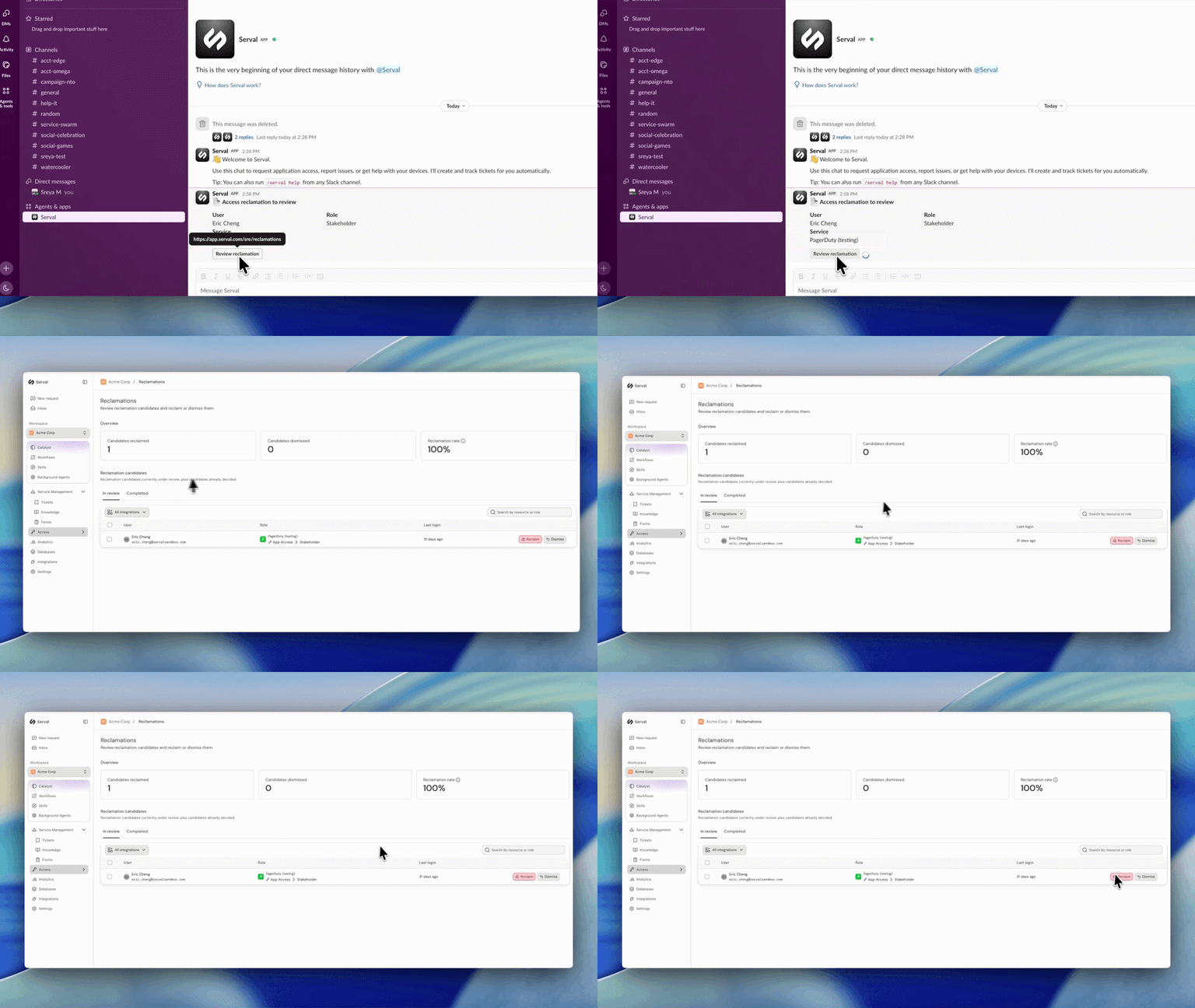
Introducing automated license reclamation
Serval reclaims seats as they go unused, on a policy you set once.
Product
Our approach to hiring: fewer, better, every time
Hiring is the single highest-leverage thing we do at Serval. Every person we bring on either raises the bar or lowers it, so we treat hiring the way we treat…
Company
Serval Launches Program to Transform Employees Into Future Founders
Serval start challenges traditional career paths and retention strategies for startups.
Company