The hidden gaps in user provisioning automation
Published
Most enterprise IT teams already have automated user provisioning. New hires get the right apps on day one, and departing employees lose access when they're offboarded. Role changes sync across connected systems with little manual effort.
But audits keep turning up access-related findings.
The problem isn't usually provisioning itself. It's everything that happens around it. Mid-employment access requests. Informal approvals in Slack. Contractor accounts that outlive the engagement. Privileged access with no clear record of who approved it or why.
User provisioning automation handles structured lifecycle events well. But it doesn't always provide the governance layer needed to connect requests, approvals, provisioning, and revocation into a single, auditable process.
What your IdP already does well
User provisioning automation already handles the predictable parts of the employee lifecycle through Joiner-Mover-Leaver (JML) workflows. When a new employee enters the company, the IdP provisions user accounts and assigns predefined application access based on role. When someone changes departments, identity updates sync across the tech stack. When they leave, access is automatically revoked for systems managed through the IdP.
SCIM provisioning automates structured events across connected applications. Combined with RBAC, it helps organizations configure consistent onboarding workflows and reduce the manual access work across their IAM environment. It also reduces the risk of orphaned accounts when users leave the organization, but only if the app is SCIM-connected.
Where provisioning stops
That scope has clear boundaries. Core SCIM-based provisioning wasn't built to handle mid-employment access requests or SoD checks on its own. Some IdPs, including Okta and Microsoft, now offer separate identity governance modules (Okta Identity Governance, Microsoft Entra ID Governance) that add access requests, SoD rules, and certification campaigns as a licensed add-on. Where those modules aren't deployed, or where access spans systems outside the IdP's connector footprint, these governance gaps still exist
The access request gap your IdP doesn’t see
Say a contractor from a third-party firm needs temporary access to a production environment for a deployment. They submit a request through Jira, receive approval in Slack from a senior engineer, and an IT administrator provisions the access manually. The contractor finishes the engagement three months later, but no one revokes the access. During a subsequent SOC 2 Type II audit, someone identifies the account as orphaned and privileged with no documented approval or evidence tying the original request to the provisioning action.
This isn't an uncommon edge case. Enterprise IT teams can easily process hundreds of mid-employment access requests every month, many of which happen outside structured provisioning workflows. There's no enforced approval chain, no SoD check before provisioning begins, and no audit trail connecting the original request to provisioning. There's also no automated revocation tied to the contractor's end date.
How user provisioning automation works
Auto provisioning starts when an employee, manager, or HR system triggers an access event. Whether the event is a new hire, role change, or contract start, the request enters a structured intake process and moves through an approval workflow based on the sensitivity of the access. SoD policies are checked to identify conflicts, and then provisioning executes across connected systems. These tools might include Okta, Microsoft Entra ID, GitHub, AWS, Google Workspace, and applications integrated through APIs or ticketed workflows.
For large-scale events like mergers or acquisitions, the same process can provision access across hundreds or thousands of accounts. For privileged or time-sensitive access, JIT provisioning grants access only when needed and automatically revokes it when the approved time window ends.
For security and compliance teams, the process is just as important as the outcome. A complete audit trail records:
- Who requested access
- The business justification
- Who approved it and at what approval level
- When provisioning occurred
- Which systems were affected
- When access was revoked or last recertified
Access certification campaigns become part of the same lifecycle, allowing managers to regularly confirm employees still need the permissions they have. Whether access is renewed, revoked, or escalated for further review, every decision is captured in the same record. That gives auditors a complete history from request through revocation.
What a complete provisioning loop looks like
A complete provisioning process starts where employees already work. An access request might start in Slack or Teams, then move through a structured approval workflow based on the sensitivity of the request. Then, SoD checks run before approval is finalized. Once the request is approved, provisioning executes across connected systems, including applications that aren't managed directly through the IdP. The request closes with an audit trail detailing every step.
Governance continues after access is granted. Access certification campaigns run on a defined schedule, prompting managers to review existing permissions and confirm they're still appropriate. Approved access remains in place, while revoked access triggers automated deprovisioning across connected tools. For privileged access, JIT provisioning grants access only for the approved session or time window before revoking it automatically. The same lifecycle applies to offboarding, contract end dates, role changes, and failed access reviews.
How to close the governance gap
Most enterprise organizations don't need to replace their IdP. They need an ITSM platform with access management that automates requests, approvals, provisioning, and revocation into one auditable process. Serval's Access Management module does exactly that.
Serval can run as your ITSM platform outright and integrate with your IdP, replacing incumbent tools or sitting alongside your existing help desk while it handles the access requests those tools weren’t built to manage autonomously.
Design fine-grained access policies with time limits, approvals, and justification requirements you can save and use across applications. Serval captures who has access to what, why they have it, and for how long. It offers attestation reminders and one-click revocation, so you can maintain least-privilege control at enterprise scale.
Book a demo today to see how Serval closes the governance gap between your IdP and compliance requirements.
FAQ
How long does a typical provisioning workflow take end to end?
The timeline depends on the approval workflow and the sensitivity of the requested access. A system may provision predefined access for a new employee in minutes, while privileged access may require additional approvals or SoD checks. Automated provisioning is fast and often only takes seconds to a few minutes. Delays are more often caused by disconnected approval processes than by the technology.
What’s provisioning in IAM?
Provisioning in IAM is the process of creating, updating, and removing user accounts and access across applications. It typically follows employee lifecycle events like onboarding, role changes, and offboarding.
What’s automated provisioning?
Automated provisioning is the process of creating, updating, and removing user accounts and permissions without manual actions. It’s usually triggered by employee lifecycle events like onboarding, role changes, and offboarding. The main benefit of automated provisioning is delivering consistent access, reducing hands-on work, and supporting audit readiness.
What are some common automated provisioning tools?
Common automated provisioning tools include IdPs like Okta and Microsoft Entra ID, IGA software, and ITSM platforms with access management capabilities. For example, Serval is an AI-native ITSM platform providing workflow automation and access management. It allows organizations to automate provisioning, enforce approval workflows, and maintain a complete audit trail.
You may also be interested in
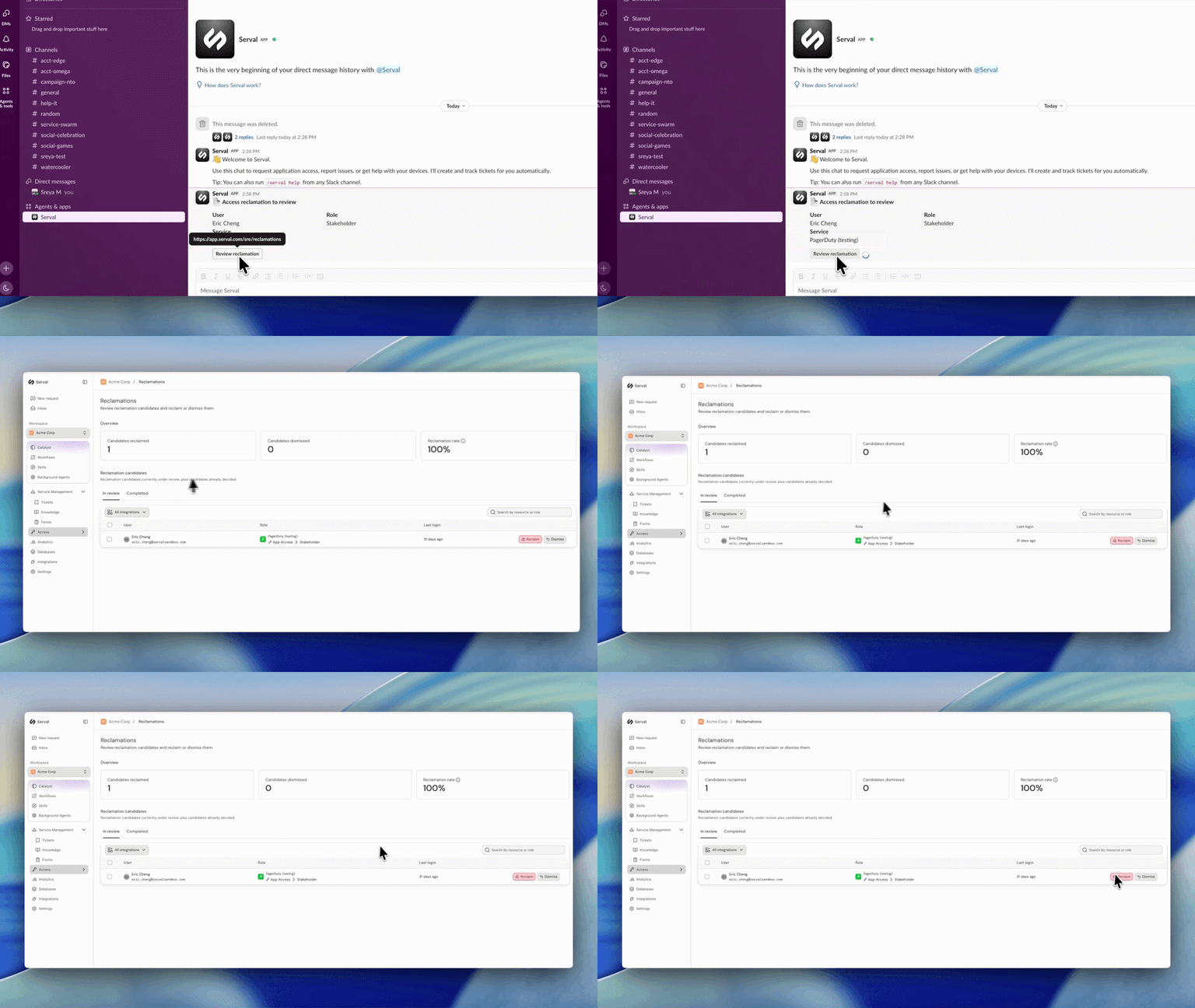
Introducing automated license reclamation
Serval reclaims seats as they go unused, on a policy you set once.
Product
Our approach to hiring: fewer, better, every time
Hiring is the single highest-leverage thing we do at Serval. Every person we bring on either raises the bar or lowers it, so we treat hiring the way we treat…
Company
Serval Launches Program to Transform Employees Into Future Founders
Serval start challenges traditional career paths and retention strategies for startups.
Company