Automated incident management: A guide to faster IT resolution
Published
Whether a worker needs a password reset or the company’s e-commerce website goes down, IT teams need efficient systems to resolve issues. In the past, teams often handled this manually via email or chat, but modern-day teams use automated incident management for end-to-end solutions.
An automated approach uses AI to orchestrate deterministic workflows that handle the heavy lifting. For the IT automation builder, this means moving beyond static ticket tracking to create a system that handles issues in real time.
This guide explores the benefits of automated incident management systems for internal help desks. It explains how the incident lifecycle maps to automation and distinguishes between triage and resolution automation. It also shows how Serval enables real-time resolution rather than simple ticket routing.
Benefits of automated incident management
Incident management automation reduces incident response times, helping teams resolve incidents and service requests significantly faster. An automated approach minimizes the “wait time” between detection and recovery. It also streamlines the help desk management process and removes the bottlenecks that lead to data entry errors or missed status updates.
IT teams can use automated incident management to reduce alert fatigue. Intelligent systems mitigate this risk by filtering out false positives and grouping related notifications together. Addressing alert fatigue and burnout also helps your organization scale its operations sustainably without increasing headcount.
Automating the incident management process also provides more transparency across the lifecycle. Each action is logged in a consistent, auditable format. In highly regulated industries, this level of documentation supports compliance and reduces the risk of gaps during reviews.
The automated incident management lifecycle
The automated incident management lifecycle uses AI and machine learning to streamline the IT service management (ITSM) process from detection to remediation. Mapping the lifecycle and following best practices ties your automation efforts to specific processes and goals.
The phases of the automated incident management lifecycle
Building a truly effective automated incident response framework requires mapping workflows to specific stages of the incident lifecycle. Every organization is different, but most teams follow this pattern or similar.
Detection and alerting
In this phase, teams set up monitoring tools to detect anomalies before they escalate. Modern detection uses threshold-based triggers, such as CPU usage exceeding 90% or AI-driven anomaly detection to identify deviations from a predetermined baseline.
Once the system detects a breach or failure, it creates an incident record and notifies the relevant on-call responders. This reduces the mean time to detection (MTTD) from hours to mere minutes.
Triage and classification
After detection, the system prioritizes incidents based on severity and impact. It relies on predefined automated workflows to categorize issues and assign them to the appropriate queue.
This triage step often involves integration with your identity provider (IdP) or configuration management database (CMDB) to enrich the incident with context, such as the affected endpoints or the user’s role. This ensures escalation still happens automatically and a ticket doesn’t get lost in the backlog, even if it isn’t automatically acknowledged within the SLA window.
Escalation
Some critical incidents require human review. This happens if an incident is too complex or new for existing AI/ML workflows. It also applies when the risk of a bad decision could lead to catastrophic consequences, so your team may flag some specific issues for human review.
Resolution and remediation
This is the stage where the system takes action to address the problem. Orchestration integrates your ITSM platform with external systems where changes occur, such as your IdP or cloud environment. Automated workflows use this connection to trigger remediation as soon as it detects the incident. This approach solves repetitive issues that make up a high percentage of notifications, including:
- Restoring access after an SSO or VPN outage.
- Restarting a service.
- Resetting credentials and clearing MFA lockouts.
- Re-syncing a failed integration that's blocking a downstream service.
Post-incident review
Reviewing incident progression and outcomes provides insights teams use to fine-tune alert filters, change remediation strategies, and find new automation strategies. The system can trigger this process by notifying stakeholders as soon as it closes the ticket.
The automated incident management system then compiles audit-ready logs that include timestamps for every action. This is the data teams use for postmortem analysis, which helps identify patterns and improve automation rules.
Practical implementation tips
Start your automation process by identifying high-volume, repetitive incident types. Then build deterministic workflows for known incidents or automate high-volume tasks critical to the bottom line.
IT teams should also gather intimate and complete knowledge of the workflows they intend to automate. One missed step could create chaos in business processes. Finally, pilot test and stress test before releasing automated workflows into production.
Where most automated incident management stops short
Most guides and tools for automated incident management focus on detection and triage. These features streamline routing but don’t reduce MTTR. If you already automate your alerting and routing but wonder why resolution remains slow, this is likely the reason.
Faster triage isn’t the same as automated resolution. Automated triage reduces time-to-assign an issue, but it doesn't reduce the time-to-resolve. The real return on investment happens when AI handles the process end-to-end without human intervention, with the exception of escalated issues that require a human in the loop. Your team should measure success by the number of tasks resolved and not by how efficiently they’ve been routed back to their desks.
How Serval automates the incident management lifecycle
Serval is an AI-native platform built to fill the gap other automation tools leave between routing and remediation. Most platforms added AI as an assist layer on top of a ticketing system built for routing. Serval was built the other way around: The automation is the product, and ticketing keeps the receipt.
The help desk agent picks up incoming requests in real time wherever employees already are: Slack, Microsoft Teams, email, and the web portal. After receiving a task, it looks beyond keywords to understand context and user behavior.
Serval matches the request against your Skill: written instructions telling the agent how to handle a specific scenario, including what to confirm with the user and which workflow to run. Skills cover judgment and communication. Workflows do the execution.
Workflows are the part that makes this auditable. An admin describes the action in plain language, Serval compiles it into deterministic TypeScript your team can read and edit, and the help desk agent can only call workflows that have been published. It can’t create or modify them, and it runs in a separate environment from the authoring agent. When the agent encounters complex incidents, it automatically escalates to a human agent for review.
Finally, metrics related to resolution, such as SLA adherence and time-to-resolve (TTR), are tracked in the analytics dashboard. Teams can also review suggestions that highlight areas where new Skills or workflows could reduce manual work.
Organizations like Perplexity, Mercor, and Together AI use our platform to go from merely tracking tickets to actually resolving them. Serval covers IT service incidents and extends to HR, Finance, Legal, and Workplace requests through the same agent. It isn’t a security operations tool, and it doesn’t replace your SOC tooling or incident-response platform.
Who this is for: enterprise IT teams who have already automated alerting and routing and are still watching MTTR hold flat because a human executes every fix.
Choose Serval when the bottleneck is resolution, not routing. Most incident tooling ends at assigning the ticket to a person. Serval runs the remediation itself through deterministic workflows an admin authored and published, links every duplicate report of the same outage to one major incident, and escalates to a human only when the incident is genuinely novel.
Book a demo (https://www.serval.com/book-demo) to see how we can automate your help desk today.
FAQ
How does automated incident management help reduce mean time to resolution?
Automated incident management reduces mean time to resolution by:
- Removing bottlenecks across the full lifecycle.
- Handling immediate detection, triage, and notifications.
- Allowing responders to begin with a pre-assembled context package.
- Providing immediate and automated remediation without human intervention.
What are the most common use cases for automated incident management?
Common automated incident management examples include internal service requests, like password resets and just-in-time access provisioning and resolving infrastructure failures, such as website crashes.
What does automated remediation mean in incident management?
Automated remediation is the execution of specific workflows or actions to fix detected problems without human intervention. This is different from a system that simply alerts a human IT worker if a problem exists and needs to be resolved.
Which incident management tasks should be automated first?
When prioritizing tasks for automation, start by mapping current incident types to identify the highest-volume, most repetitive categories. Building deterministic workflows to automate these tasks provides immediate ROI and reduces on-call fatigue. It also frees your team to focus on more complex tasks that require human intelligence and creativity.
What metrics should IT teams track to measure incident automation performance?
The two main metrics to track when measuring incident automation performance are mean time to acknowledge (MTTA) and mean time to resolve (MTTR). Organizations also track:
- The percentage of incidents resolved without human workers, such as the automation rate.
- False positive rates.
- SLA compliance percentages.
- Ratio of recurring versus unique incidents.
You may also be interested in
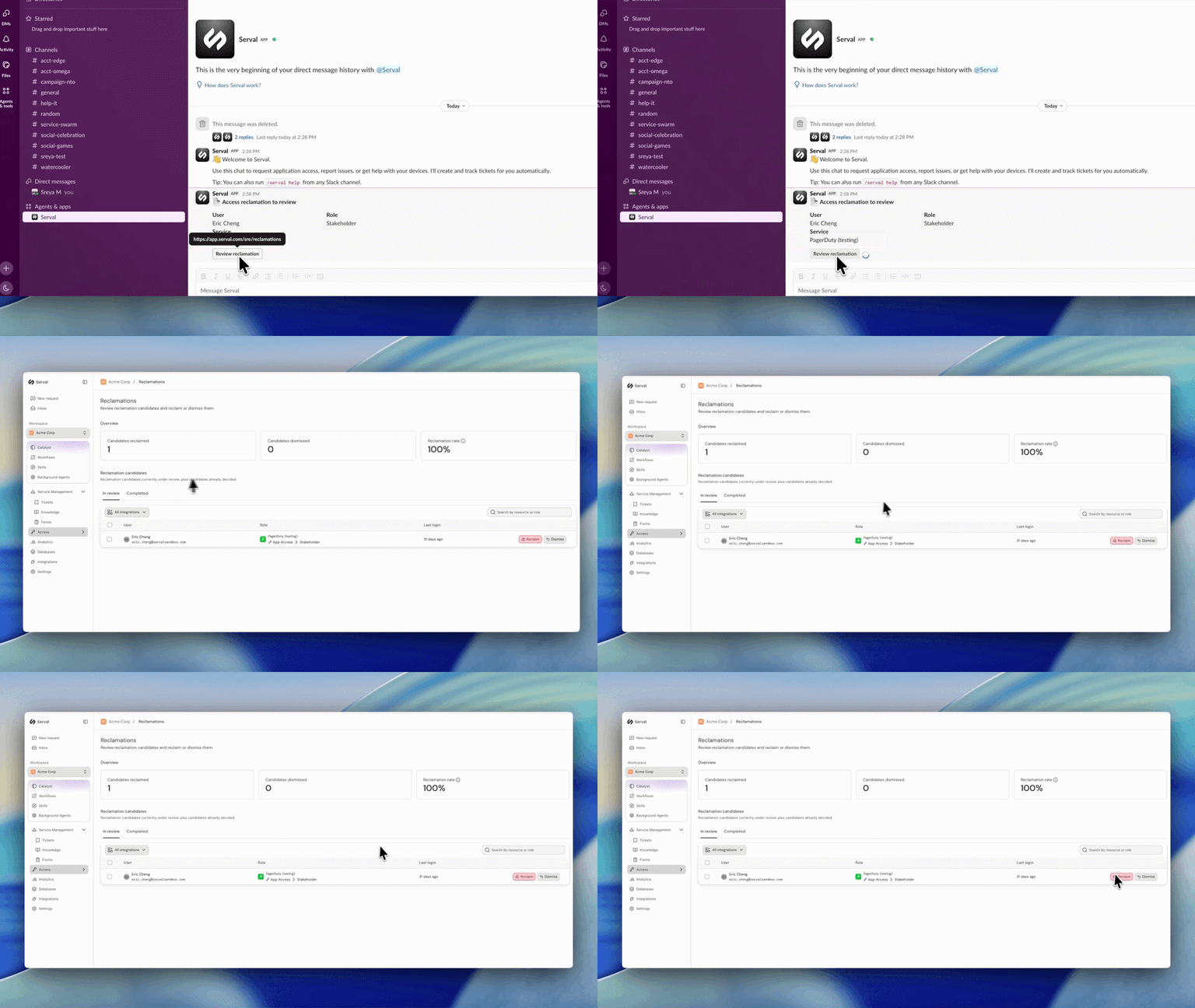
Introducing automated license reclamation
Serval reclaims seats as they go unused, on a policy you set once.
Product
Our approach to hiring: fewer, better, every time
Hiring is the single highest-leverage thing we do at Serval. Every person we bring on either raises the bar or lowers it, so we treat hiring the way we treat…
Company
Serval Launches Program to Transform Employees Into Future Founders
Serval start challenges traditional career paths and retention strategies for startups.
Company