Serval vs. Jira Service Management: full ITSM built in vs. upgrades and add-ons
Published
Serval vs. Jira Service Management: full ITSM built in vs. upgrades and add-ons
Serval is an AI-native ITSM: one platform for your service desk, change and problem management, a CMDB, and access management, with AI agents that resolve requests and build the automations.
Jira Service Management (JSM) is Atlassian's ITSM, and several core capabilities are added on. Change, problem, and major incident management require its Premium plan or higher. JSM doesn't include just-in-time access, access reviews, or license reclamation; other vendors sell apps for them on the Atlassian Marketplace.
The short answer
- Serval is one platform. Change, problem, and access management come built in. In JSM, they come from Premium upgrades or third-party Marketplace apps.
- Serval includes access management. Just-in-time access with automatic expiry, user access reviews, and unused license reclamation are built into Serval. In JSM, they aren't built in; other vendors sell them on the Marketplace.
- Change and problem management are built into Serval. In JSM, change, problem, and major incident management moved to the Premium plan on October 16, 2024.
- Serval's automations reach any app with an API. Catalyst writes the workflow from a plain-English description. JSM automations run on Atlassian's rule builder of triggers, conditions, and actions.
- Serval can run alongside JSM. Two-way Jira sync and imported JSM request types let you add Serval before you decide whether to replace JSM.
At a glance
| Capability | Serval | Jira Service Management |
|---|---|---|
| Resolves requests in Slack, Teams, email, and portal | Yes | Yes |
| Change management with CAB approvals | Yes | Premium and Enterprise only |
| Problem and major incident management | Yes | Premium and Enterprise only |
| Plain-language automation builder | Yes | Yes, Rovo drafts rules |
| Just-in-time access with automatic expiry | Yes | Not built in: Marketplace apps, or custom automation rules |
| User access reviews for connected apps | Yes | Not built in: Marketplace apps |
| Unused license reclamation | Yes | Not built in: Marketplace apps |
| SSO and SCIM provisioning | Yes | Atlassian Guard subscription, or Enterprise plan |
| Self-hosting after Data Center end of life | Yes, hybrid or your AWS account | No, Data Center ends March 28, 2029 |
"Not built in" means the capability is not in Atlassian's own documentation or pricing page as of October 19, 2026. Other vendors sell it on the Atlassian Marketplace. Just-in-time access can also be approximated with custom automation rules.
Where Serval wins over Jira Service Management
Access management is part of the platform
Serval handles the full access lifecycle: request, approval, provisioning, time-limited access, and automatic removal through the same method that granted it. Access reviews and license reclamation run on the same grants. JSM's built-in Okta automation offers five actions: add a user to a group, create a user, retrieve user details, suspend a user, and send a custom request. Time-limited access with automatic expiry is not among them.
Every add-on is licensed for every user
In JSM, a paid Marketplace app has to match the user tier of the product it runs on, "even if only some of your licensed users need to use the app." If you have both Jira and JSM, apps must match the larger tier. In Atlassian's example, a 500-user Jira license plus a 20-agent JSM license means buying every app at 500 users. Single sign-on and SCIM provisioning need a separate Atlassian Guard subscription unless you're on Enterprise. Serval builds in change management, access management, and automation, so there are fewer apps to license.
Automations that reach any system
Catalyst, Serval's automation agent, writes workflow code from a plain-English description or an uploaded SOP, spreadsheet, or flowchart. Workflows can call any app that exposes an HTTPS API, including internal tools outside Serval's integration catalog. Catalyst can also mine ticket history from Jira Service Management to rank the most common requests and build automations for them, and background agents run on a schedule and draft fixes and new automations for your review. In JSM, Rovo can draft a rule from a description, and the rule runs on Jira automation's triggers, conditions, and actions.
Two AI agents, kept apart by design
Serval runs two agents that do not share context. The help desk agent resolves employee requests. Catalyst builds automations for admins and has no access to end-user ticket context.
Full comparison
Serval and Jira Service Management compared across 12 capabilities, as of October 19, 2026.
Service management
| Capability | Serval | Jira Service Management |
|---|---|---|
| Ticket types | Five ITIL types plus custom types, like Legal Intake or Facilities Request | Plan-gated: Standard keeps request and incident queues; change, problem, and major incidents need Premium |
| Change management | Built in: Normal, Standard, and Emergency changes with CAB and ECAB approvals | Premium and Enterprise: Approvals by change type, AI risk assessment, or CAB |
| Major incidents | Built in: AI groups related incidents, and declaring a major incident triggers your workflow | Premium and Enterprise: Major incidents and post-incident reviews |
AI and automation
| Capability | Serval | Jira Service Management |
|---|---|---|
| Automation builder | Catalyst: Describe it in plain English, import your tickets, or upload an SOP, and Catalyst writes it | Rule builder: Triggers, conditions, and actions; Rovo can draft rules |
| Actions in other apps | Any HTTPS API: Catalog apps plus custom apps through Serval's API framework | Actions and connectors: Okta and Entra ID actions, web requests, and Rovo MCP connections |
| AI agents | Two isolated agents: Help desk agent for employees; Catalyst for admins | Two products: Virtual service agent on Premium, Rovo agents on Standard and up |
Access and identity
| Capability | Serval | Jira Service Management |
|---|---|---|
| Just-in-time access | Built in: Access is removed automatically when it expires | Not built in: Marketplace apps add time-bound access, or build custom rules |
| Provisioning methods | Four built in: IdP groups, direct API, custom workflows, or manual tasks | Automation actions: Okta and Entra ID actions you assemble into rules |
| SSO and SCIM | Supported: SAML SSO and SCIM directory sync | Separate purchase: Atlassian Guard subscription, included with Enterprise |
| User access reviews | Built in: Reviewers see each user's last sign-in and AI insights when deciding | Not built in: Marketplace apps add periodic access reviews |
| License reclamation | Built in: Removes unused access automatically or after reviewer approval | Not built in: Marketplace apps track licenses and cut unused ones |
Deployment
| Capability | Serval | Jira Service Management |
|---|---|---|
| Deployment options | Cloud, hybrid, or self-hosted: Serval Cloud, a worker in your network, or the full app in your AWS account | Cloud, or self-managed Data Center until March 28, 2029 |
Which one fits your team
Choose Serval if
- You want change, problem, and access management in one platform, with no Premium upgrade or Marketplace apps.
- You want access requests, just-in-time access, access reviews, and license reclamation in your ITSM.
- You need change and problem management without upgrading to JSM Premium.
- You want automations that act in any system your team uses, built from a plain-English description.
- You want onboarding and offboarding plans that span HR, IT, and Facilities.
- You run JSM Data Center and need a self-hosted option after March 2029.
- You want to add AI to JSM now with two-way sync, and decide later whether to replace it.
Jira Service Management may fit if
- Your service desk has a few agents and only needs request and incident queues.
- Your engineering team runs on Jira and you want IT requests in the same Jira projects.
Customer proof
“Once we switched over to Serval, we were able to complete over 50% of our incoming requests automatically.”
Perplexity: >50% of tickets automated and 3x scale in headcount with Serval.
Outcome
Serval is an AI-native ITSM that resolves employee requests and runs ticketing, change and problem management, a CMDB, and access management in one platform. It's built for IT teams that want a full ITSM without Jira Service Management's Premium upgrades and Marketplace add-ons.
FAQ
What is the best alternative to Jira Service Management for IT help desk automation?
For teams that want AI to resolve requests, Serval is an AI-native alternative to Jira Service Management. Serval resolves requests in Slack, Teams, email, and a web portal, and includes change and problem management, a CMDB, just-in-time access, access reviews, and license reclamation in one platform.
Can I add AI automation to Jira Service Management without switching platforms?
Yes. Serval syncs tickets two-way with Jira Service Management and imports JSM request types as workflows employees can order through Serval. It also mirrors Confluence spaces into its knowledge base. Teams can run both while they decide whether to replace JSM.
Does Jira Service Management support just-in-time access?
Not natively. JSM doesn't include just-in-time access, and third-party Marketplace apps sell it. Its built-in Okta automation actions are add a user to a group, create a user, retrieve user details, suspend a user, and send a custom Okta request. Serval grants time-limited access and removes it automatically when it expires.
Which Jira Service Management features require Premium?
Change management, problem management, major incidents, and post-incident reviews require JSM Premium or Enterprise as of October 16, 2024. The virtual service agent and Data Manager are also Premium and Enterprise features.
What happens to Jira Service Management Data Center?
Atlassian ended new Data Center subscriptions on March 30, 2026. Existing customers can buy new Data Center licenses until March 30, 2028, and Data Center reaches end of life on March 28, 2029, when it becomes read-only. Serval can run hybrid, with a worker in your network, or as a full single-tenant deployment in your AWS account.
You may also be interested in

Serval vs. Flow by ServiceNow: full-stack ITSM vs. automation layer
Serval vs Flow by ServiceNow: Serval is a full-stack AI-native ITSM with change, problem, and CMDB. Flow is a chat and automation layer. Compare features.
Insights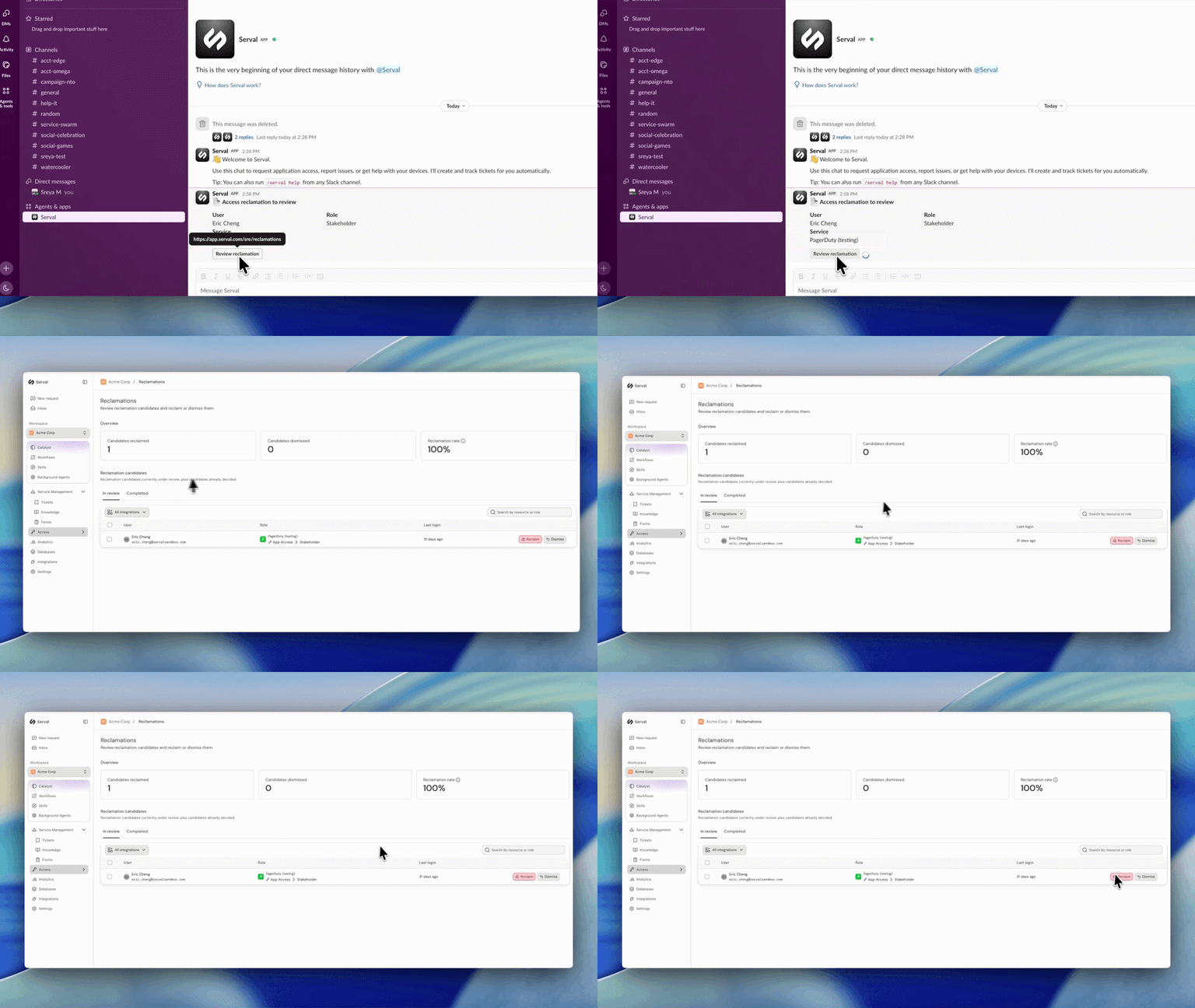
Introducing automated license reclamation
Serval reclaims seats as they go unused, on a policy you set once.
Product