How automatic deprovisioning works when an employee leaves
Published
Imagine an employee leaves your company. They hand over their laptop and do an exit interview with HR. Their employment has technically ended. But that doesn’t mean they’ve lost access to business systems like Slack, Outlook, and GitHub.
That’s the problem automatic deprovisioning solves. Instead of relying on IT to manually revoke access across every application, access removal becomes an automated part of the employee lifecycle.
What’s automated deprovisioning?
Deprovisioning is the process of revoking a user’s access to organizational systems and resources. It typically happens when those systems are no longer required for the user’s role, either because the employee changed positions or left the company. Deprovisioning is a core part of identity and access management (IAM) because it makes sure users only have the access they truly need to do their job.
Automated deprovisioning performs the same function as manual deprovisioning without requiring hands-on intervention from IT. Instead of relying on someone to revoke access across every application one by one, changes to a user’s role or employment status trigger access removal automatically.
The biggest benefits of automated deprovisioning
When access removal becomes an automated part of the employee lifecycle instead of a manual task, the impact extends well beyond offboarding. Here are the biggest benefits for IT teams.
No access left behind when an employee leaves
Enterprise companies need to ensure that employees are offboarded on their final day as part of compliance checks that happen from regulatory agencies. Manual offboarding depends on someone completing the same checklist across every application an employee can access. As organizations adopt more SaaS tools, it’s easier for an account or permission to slip through the cracks.
Automated deprovisioning removes that dependency. Instead of relying on memory or digging through spreadsheets, revocation happens consistently across connected systems when the company and employees part ways.
Faster offboarding without adding IT headcount
At enterprise scale, offboarding is continuous rather than occasional. Every departure can involve dozens of applications, each with its own process for removing access.
With automated deprovisioning, the workload doesn't increase with every new employee. The same workflow can handle hundreds or thousands of employees without creating more manual work for IT.
A consistent audit trail every time
Access reviews and compliance audits require proof of timely revocation. Gathering that evidence manually often means sifting through scattered tickets, emails, and admin logs. Automated deprovisioning creates a consistent record of every offboarding event, making it easier to demonstrate that access was revoked correctly and on time.
Less standing access across the organization
It’s common for employees to change teams, take on new responsibilities, or wrap up temporary projects. It’s also common for those situations to leave behind permissions the employees no longer need.
Automated deprovisioning removes outdated access while preserving the systems employees still require to do their jobs. The result is cleaner permissions that stay aligned with real responsibilities.
How automated deprovisioning fits into the employee lifecycle
Automated provisioning and deprovisioning bookend the same identity lifecycle. User provisioning occurs when someone joins the company or changes roles, while deprovisioning happens when access is no longer needed.
Every deprovisioning workflow starts with a source of truth, such as an HR system. Identity providers and IAM platforms like Okta use that information to determine which accounts and permissions need to be updated.
From there, the workflow carries those changes across every connected system. Instead of removing access from applications like Slack, Google Workspace, and GitHub one by one, IT can revoke access everywhere through a single workflow.
By tying access changes to the employee lifecycle, organizations can apply the same process every time someone joins, changes roles, or leaves the company. That consistency becomes increasingly important as the number of users and business systems grows.
Why automatic deprovisioning is a must for security
The operational benefits of automated deprovisioning are easy to see. Its impact on security is just as important. Here's a closer look at how automated deprovisioning helps reduce risk and simplify compliance.
Dormant accounts are an active risk
An account that remains active after departure isn’t dormant. It's a live credential that attackers can still use to gain access to company systems. Bad actors routinely target dormant accounts because they're less likely to be monitored than active user accounts.
Automated deprovisioning reduces the likelihood that unused accounts remain active after an employee leaves. That shrinks the window of opportunity for unauthorized access.
Least-privilege access only works when permissions are removed
Least-privilege access doesn’t just mean limiting what employees can access. It also requires removing permissions when they no longer match a user's role. Otherwise, temporary or elevated access can become permanent simply because nobody bothered to remove it. Even well-defined RBAC policies break down if outdated permissions aren’t revoked.
Automated deprovisioning keeps permissions aligned with current responsibilities, making least-privilege access practical instead of aspirational.
Audit readiness requires evidence, not intent
Having an offboarding policy isn't enough during a compliance review. Auditors want to know when access was removed, which systems were affected, and whether the team followed the process consistently.
Automated deprovisioning creates a record of every access change as it happens. This makes it easier to demonstrate that users were deprovisioned according to policy instead of reconstructing events after the fact.
How Serval automates deprovisioning from end to end
Core SCIM-based provisioning wasn't built to handle mid-employment access changes or the apps outside an IdP's connector footprint on its own. Some identity providers, including Okta and Microsoft, now sell separate governance modules (Okta Identity Governance, Microsoft Entra ID Governance), which add access requests and certification campaigns as a licensed add-on. Where those modules aren't deployed, or where access spans systems the IdP can't reach, the gap is still there.
Serval is an AI-native IT service management platform, and it closes that gap from the help desk. When an employee leaves the company, their status changes in the HR system and triggers a deprovisioning workflow. Serval then removes access across Okta, Slack, Google Workspace, and every other connected system in the same run.
Since Serval resolves the workflow from end to end, IT doesn't have to work through each application individually. The same approach also works for temporary access, automatically revoking permissions when a project, contractor engagement, or audit window ends.
Where a departure needs more than access revocation, Serval coordinates the whole thing as a Journey: a multi-step process that hands laptop return to IT, badge deactivation to Facilities, and final payroll to HR, tracking every task to completion in one view.
That workflow stays the same every time it runs. IT admins build it once in plain language with Catalyst, Serval's admin-facing automation agent, then publish it, and the HRIS event trigger runs the published version on every departure.
Workflows are authored in natural language but execute as deterministic code, not as a black box. The help desk agent can only invoke published workflows. It can't create or modify them, and it runs in a separate environment from the authoring agent.
Every execution also automatically creates its own audit record with timestamps, inputs, outputs, and status. That gives IT all the evidence it needs long before an audit begins.
When to choose Serval for deprovisioning
Choose Serval when you need access removal to run as an auditable workflow rather than a checklist. An HRIS status change triggers it, Serval revokes across 140+ natively connected systems and anything else reachable by API, and every run is logged with its trigger source, inputs, outputs, and timestamps.
Who Serval is for
This is for enterprise IT and security teams who already run an identity provider like Okta or Microsoft Entra ID and need the request, approval, provisioning, and revocation lifecycle handled in one auditable place on top of it. Serval is not a replacement identity provider.
Book a demo to see how Serval automates deprovisioning across your Okta and Google Workspace environment.
FAQ
What’s user access provisioning?
User access provisioning is the process of giving employees access to the systems, applications, and resources they need to do their jobs. It typically happens during onboarding or whenever someone changes roles. Automated provisioning (https://www.serval.com/insights/user-provisioning-automation) and deprovisioning work together as part of the same identity lifecycle, making sure employees have the right access from their first day through their last.
What triggers automatic deprovisioning in an identity management system?
Most identity management platforms trigger automatic deprovisioning when a user's status changes in a trusted source, like an HR system or identity provider. When a user is deprovisioned, meaning their access has been revoked, that workflow removes user accounts and permissions across connected systems based on the triggering event.
Can deprovisioning be automated for tools without a full API integration?
Yes. Serval offers four provisioning and deprovisioning methods, and the right one depends on the app:
- Linked Groups moves the user in and out of an IdP group and lets the IdP sync the app.
- Direct has Serval call the app's API itself, for apps with a usable API that aren't behind the IdP.
- Custom Workflows handle multi-step removals with dependencies.
- Manual creates a task for a person to complete, for apps with no automation path at all.
Apps that don't support SCIM are covered by the second and third of these, not left out.
You may also be interested in
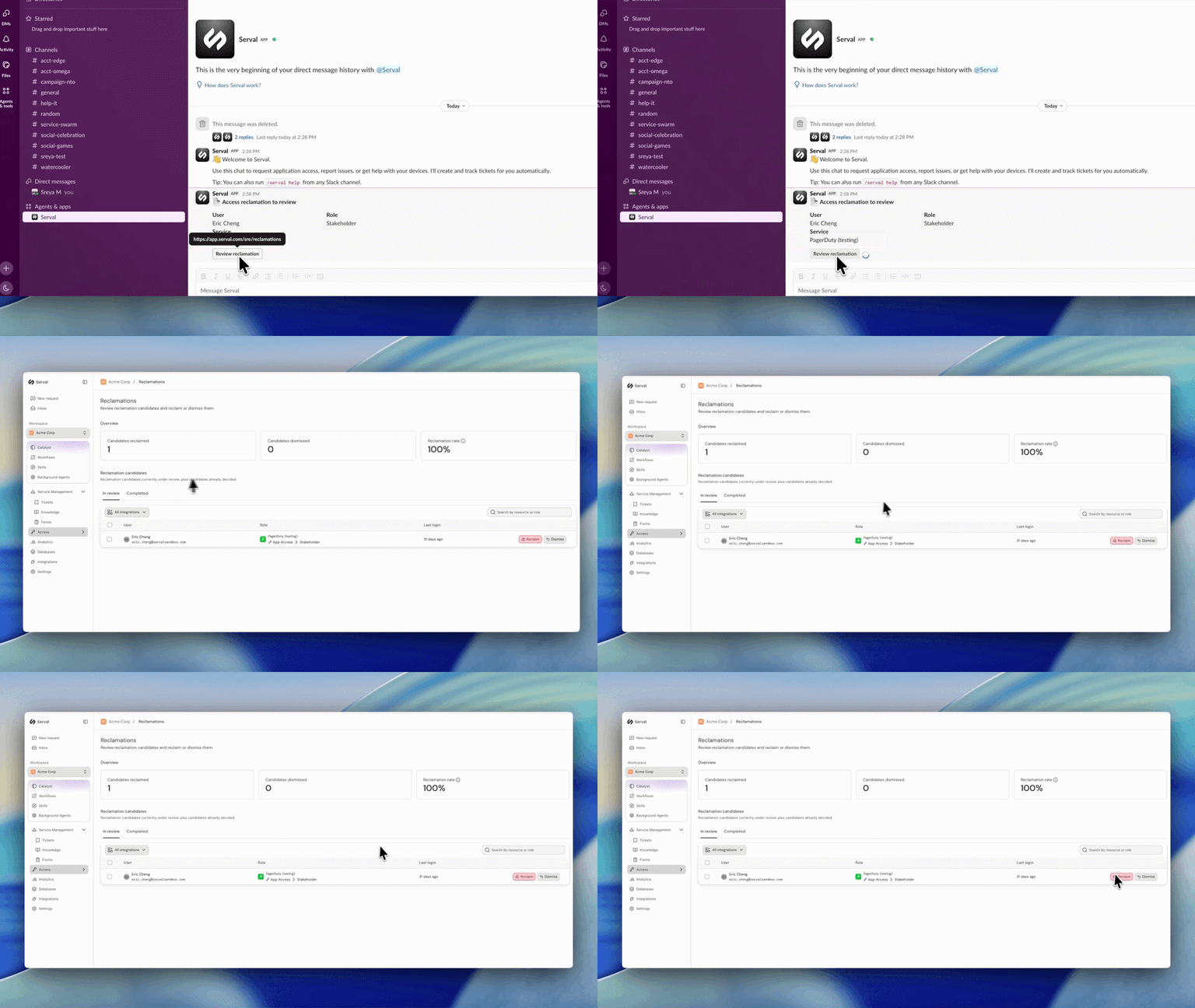
Introducing automated license reclamation
Serval reclaims seats as they go unused, on a policy you set once.
Product
Our approach to hiring: fewer, better, every time
Hiring is the single highest-leverage thing we do at Serval. Every person we bring on either raises the bar or lowers it, so we treat hiring the way we treat…
Company
Serval Launches Program to Transform Employees Into Future Founders
Serval start challenges traditional career paths and retention strategies for startups.
Company